Printable worksheets for pre-K through grade 5, built around one skill at a time. Read the guides →

§ 00 · Kay5 · Curriculum production system

Every tutor produces the same quality packet on day one.

Kay5 is the curriculum production system for learning centers — 23 apps that turn any staffer into consistent, on-brand output. Same quality, every shift, every location.

23 apps · 4 export formats · print-ready US Letter

Explore the suite
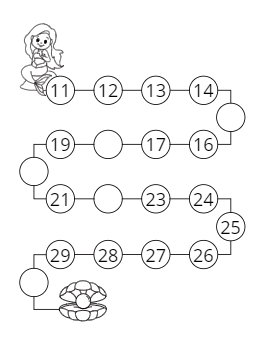
  • Storified counting worksheet with a hand-illustrated mermaid number path
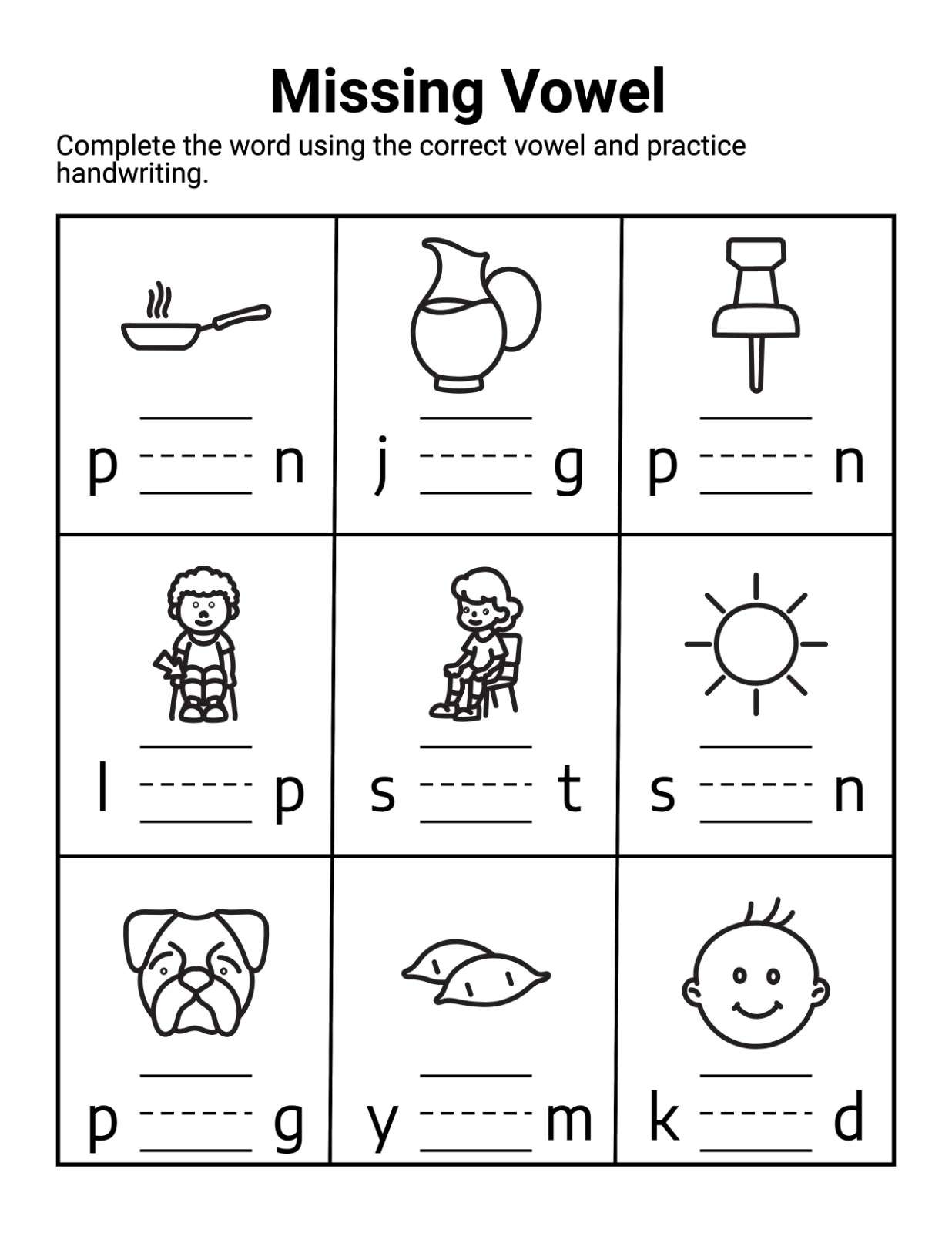
  • Missing-vowel CVC worksheet with pictures and handwriting guide lines
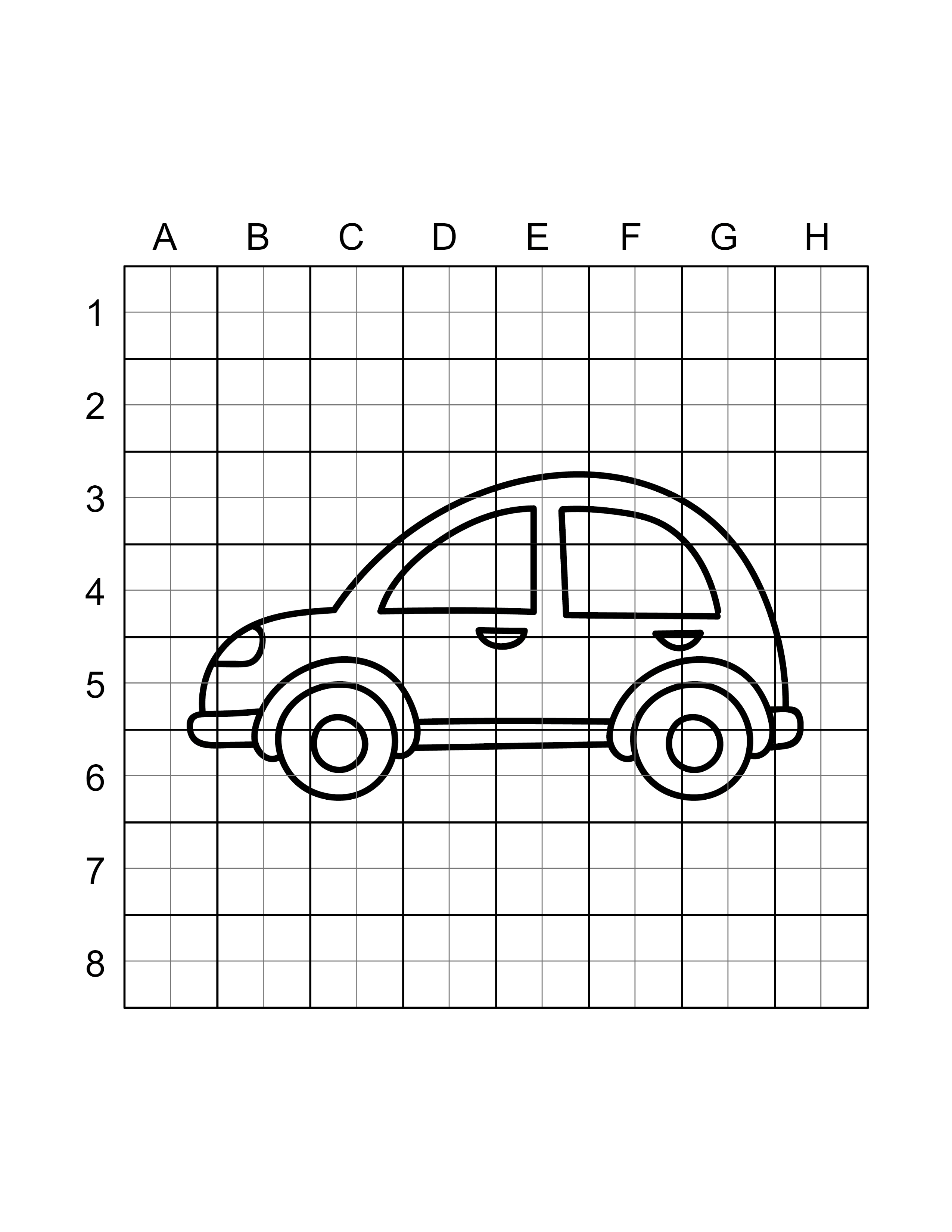
  • How-to-draw worksheet with a cartoon car on a labeled grid
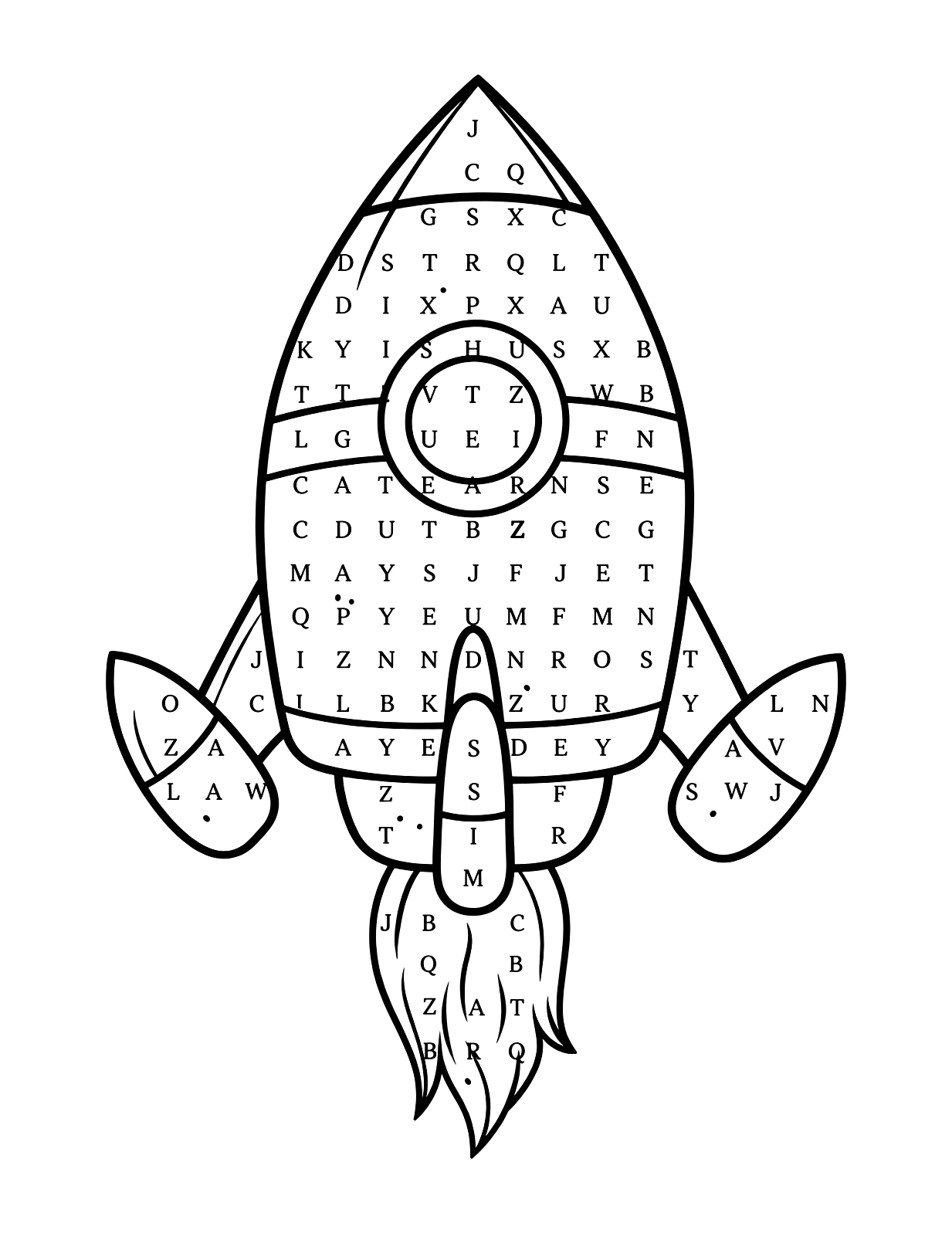
  • Word-search puzzle shaped like a rocket ship

§ 01 · What is Kay5

Stop buying workbooks. Produce your own branded K-5 practice — identical from every staffer.

Pick a template, set the skill and difficulty, print. Every tutor works from the same library, so every student gets consistent, on-brand practice — answer keys included, fresh problem sets on demand.

Nothing is locked to one sheet. Regenerate for a new set, print a clean copy per student, and reproduce the exact same material next term.

The K-5 engine inside your program

Kay5 covers pre-K through grade 5 — counting to long division, fractions, geometry, phonics. It's the practice-production layer for that range, not a replacement for what you teach older students.

01

Made for educators

Every app is purpose-built for one kind of learning material, with the pedagogy baked in — difficulty levels, grade bands, answer keys.

02

Truly customizable

Fonts, sizes, colors, layouts, difficulty, content — every worksheet comes out exactly how your students need it.

03

Print-ready in minutes

Download as PDF, PNG, JPG or PPTX. US Letter, ready for the copier or the smartboard.

Build your progression once, every tutor pulls from it, every student gets a fresh problem set — one method, reaching every classroom the same way.

How one method reaches every tutor — the shared engine in all 23 apps

1-click regeneration

Refresh any page with a brand-new problem set in seconds.

Whole-book assembly

Clone, shuffle and number pages into complete printable workbooks, in four numbering styles.

One shared editor

The same drag-and-edit worksheet canvas powers all 23 apps.

Automatic answer keys

Solution pages generate alongside every worksheet, always matched — and re-adjust when pages shuffle.

§ 02 · Multi-seat

One method, every seat, every location.

Your program’s method shouldn’t live in one good tutor’s head. Kay5 turns it into shared, branded material every staff member produces the same way — across shifts and locations.

Admin controls

Manage seats and access from one dashboard, and see what your team is producing.

Seat management

Add tutors as staff turns over. Each gets their own login under your org — onboarded in an hour, not a term.

Brand controls

Your logo and colors on every page. Parents see your program’s material, not a generic worksheet.

Shared template library

Save your center’s worksheets and progressions once; every tutor builds from the same set, not from scratch.

§ 03 · How it works

  1. 01 /

    Choose

    Pick an app and a template — worksheet types, puzzle styles, page layouts.

  2. 02 /

    Customize

    Adjust content, difficulty, fonts and layout. Regenerate until it's exactly right.

  3. 03 /

    Download

    Export print-ready files in PDF, PNG, JPG or PPTX — with answer keys where they apply.

§ 04 · The suite

Explore all 23 apps

The shared engine — regeneration, answer keys, whole-book assembly — works the same in all 23. Expand any app to see only what it makes, what it does differently, and real printable samples.

Math & Measurement

06 apps

Number sense, operations, fractions, measurement and geometry — printable practice for every K–5 math strand.

Covers the whole early-counting journey: count-and-write, count-and-circle, count-and-color, counting types, missing numbers, skip counting, ten frames, counting blocks, ordering numbers, number lines and counting word problems. Set the number range and difficulty, regenerate problems in one click, and download a matching solution page with every worksheet.
What it creates
  • Count & write count the objects and write the answer, in several variations
  • Count & color read the number, then color that many items
  • Skip counting by 2s through 100s — plus Fibonacci sequences — with custom start, step and length
  • Ten frames & counting blocks frame-counting and base-ten block worksheets built in-app
  • Number lines & ordering number-line counting plus before, after and between exercises
  • Counting word problems auto-generated, age-appropriate word problems with solutions
What sets it apart
  • Range & complexity controls match the numbers to where your students are, 1–5 up to 1–20 and beyond
  • Your icons become problems upload your own icons and the generator builds counting problems from them
  • 100 storified layouts hand-illustrated scene pages with live counting problems built in
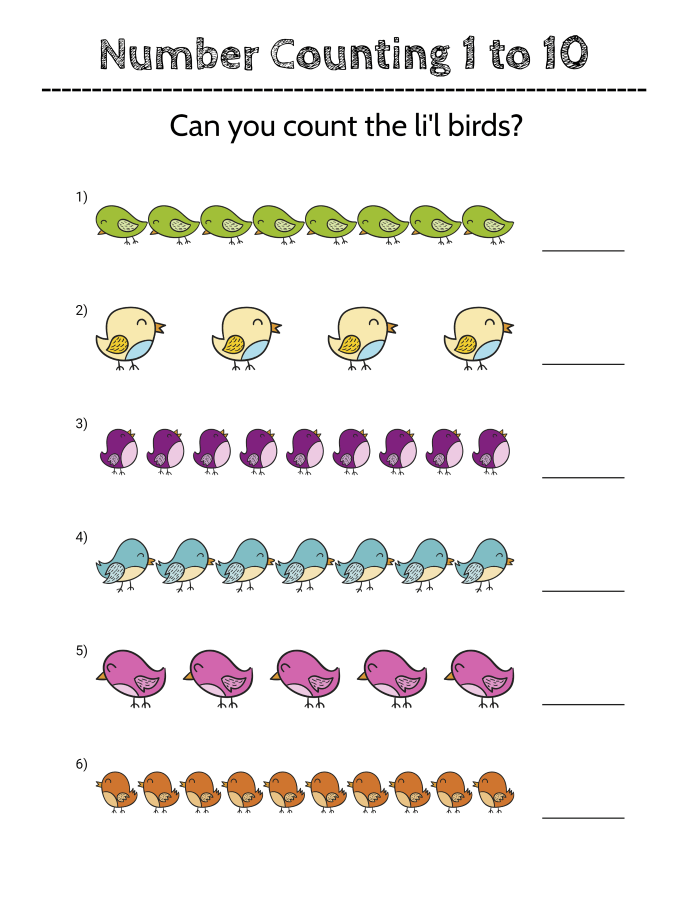
Colorful count-the-birds worksheet for numbers one to ten
Worksheet output
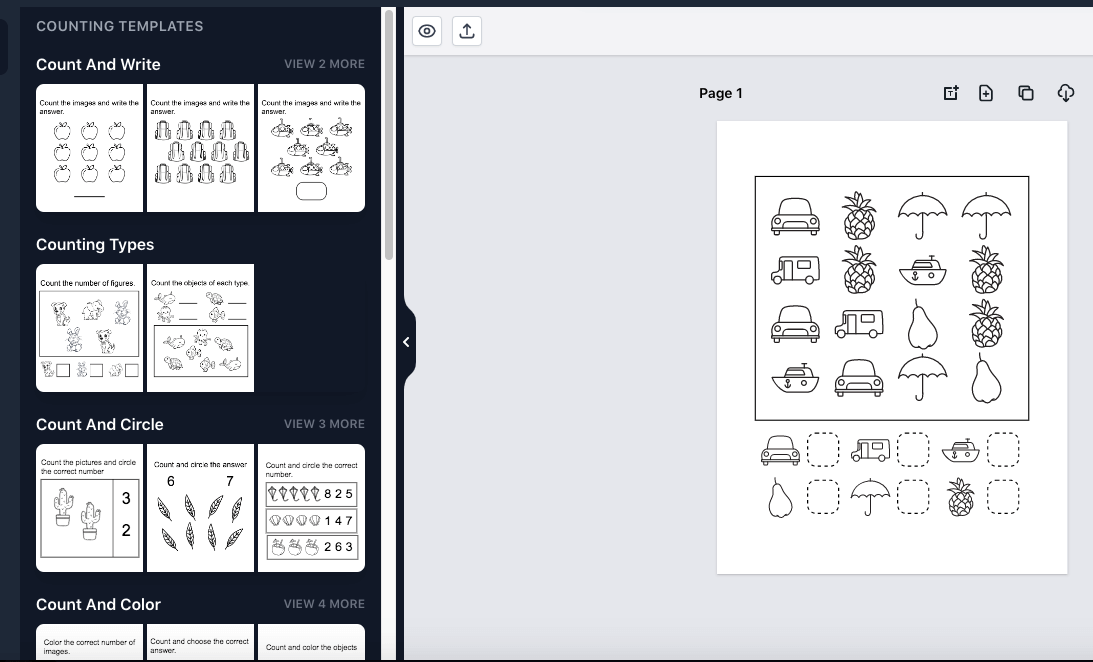
Counting app editor with template list beside a live worksheet canvas
Inside the editor
Storified counting worksheet with a hand-illustrated mermaid number path
Worksheet output

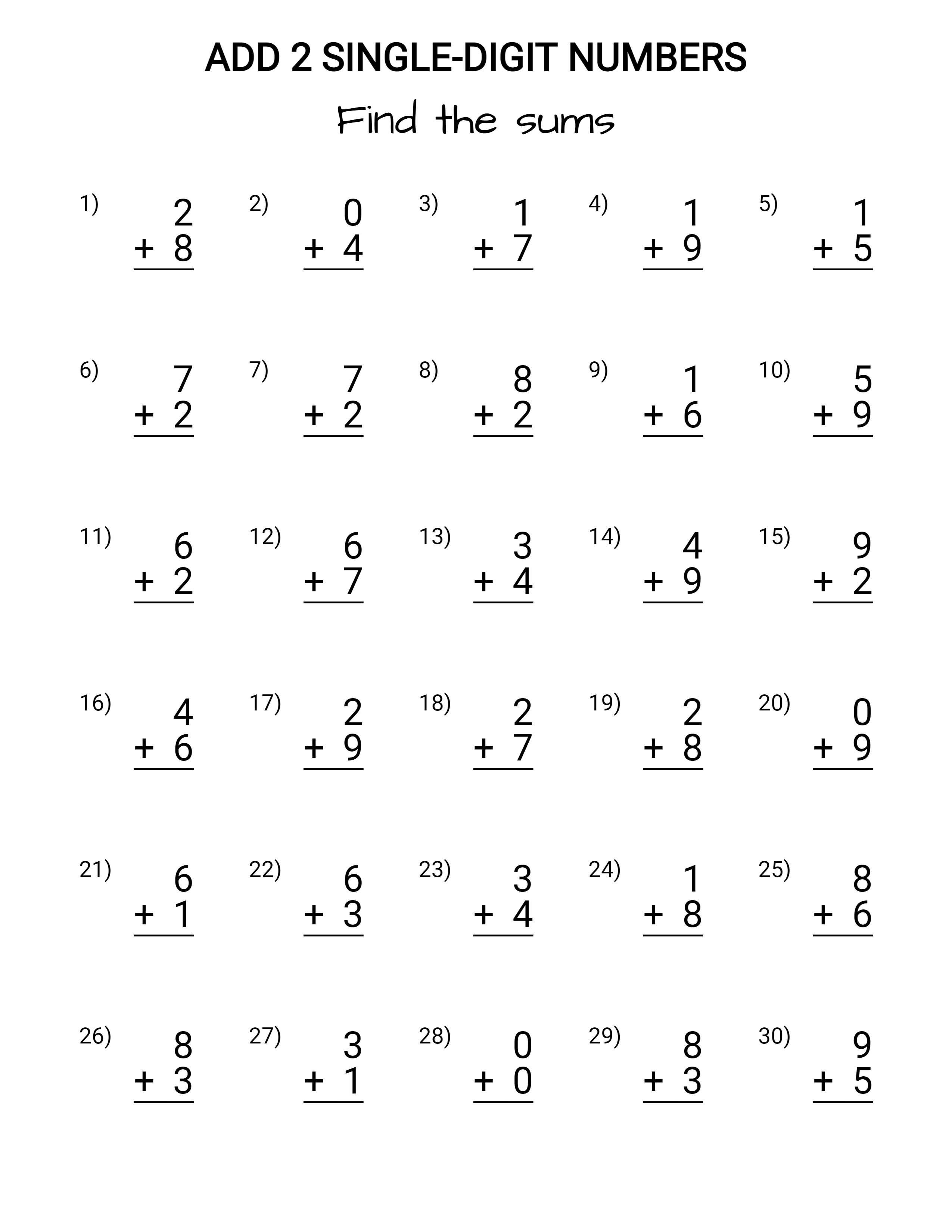
Produces computation practice across all four operations — addition, subtraction, multiplication and division — for elementary learners. Choose vertical or horizontal layouts, single-digit through multi-digit ranges, regrouping on or off, and missing-number variants, up to step multiplication and long division. Regenerate a fresh problem set in one click, with solution pages generated alongside every worksheet.
What it creates
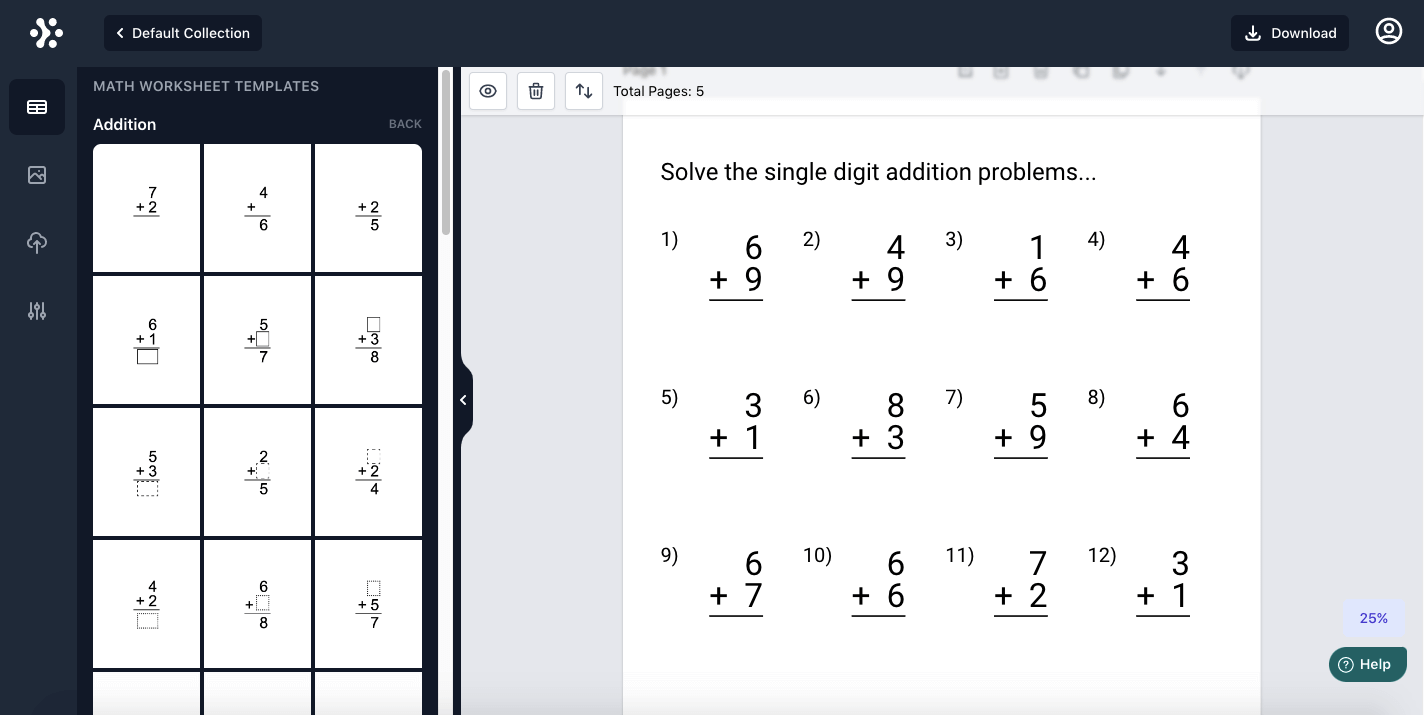
  • Addition two-number sums through problems that add three or more numbers
  • Subtraction problem generation keeps every answer a whole number for young learners
  • Multiplication single-digit facts up to multi-digit problems, with or without regrouping
  • Step multiplication gridded work-space pages for multiplying larger multi-digit numbers
  • Division single-digit division practice with boxed answer formats
  • Long division solve for the quotient, with or without remainders and regrouping
  • Mixed operations addition, subtraction, multiplication and division combined on one page
  • Lattice multiplication grid-method multiplication in three styles, including lattice paper
What sets it apart
  • Graduated complexity single-digit through four-digit-plus problems, with regrouping on or off
  • Missing-number problems hide the result or either operand, even mixed within one page
  • Rows, columns & ranges set exact problems per page and the number range they draw from
  • Answer-block styles empty, lined, boxed or circled answer spaces in solid, traced or dotted versions
Single-digit addition worksheet with thirty stacked find-the-sums problems
Worksheet output
Math worksheet editor with addition templates beside a live worksheet page
Inside the editor
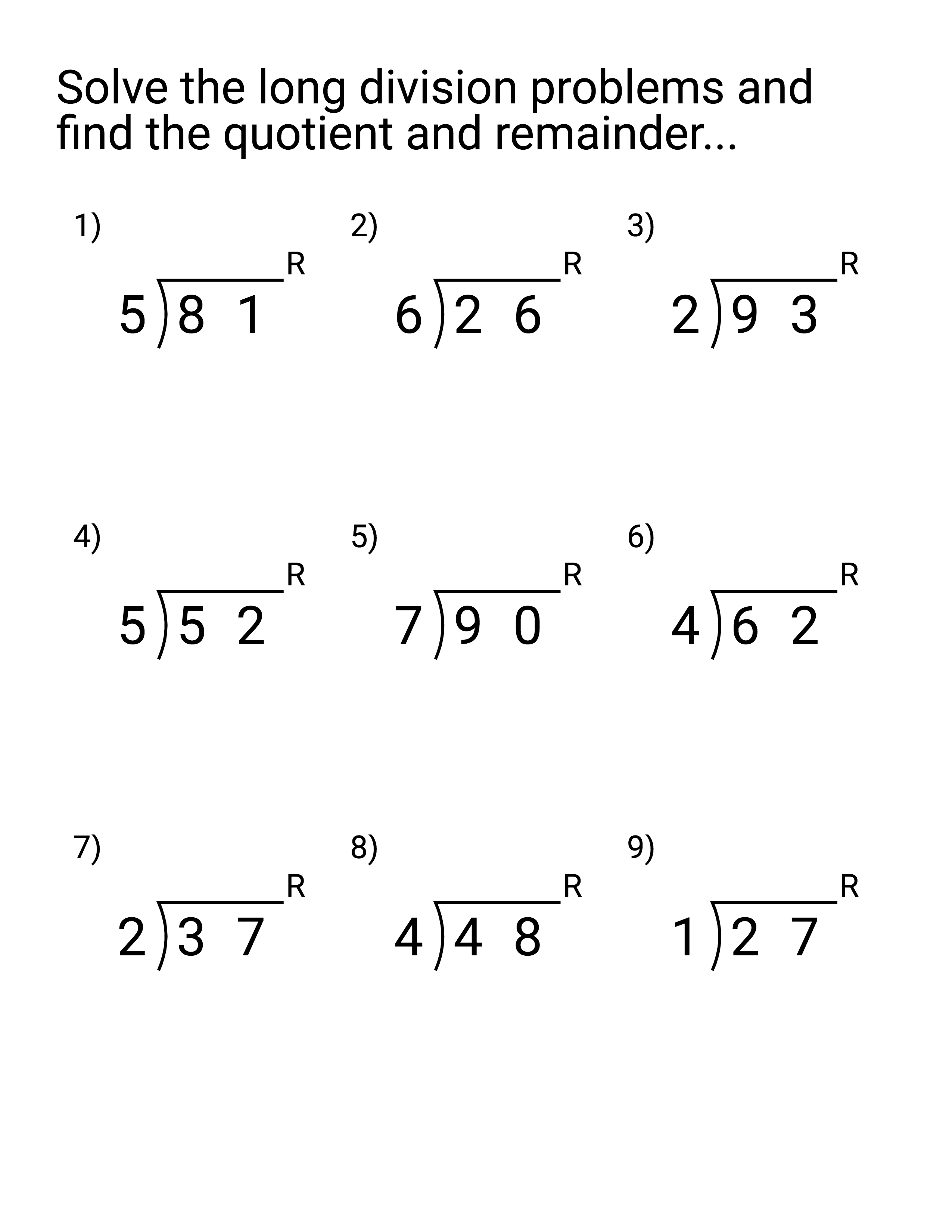
Long division worksheet asking for quotient and remainder of two-digit problems
Worksheet output

Generates fraction worksheets and complete practice workbooks for the whole elementary fraction journey, from identifying equal and unequal parts through operations with fractions. Most concepts come in two forms — visual pages built on shaded pie and bar models, and number-based pages for timed fluency work — with 40+ worksheet styles, one-click problem regeneration and automatic solution pages throughout.
What it creates
  • Fraction foundations equal and unequal parts, numerators and denominators, like and unlike fractions
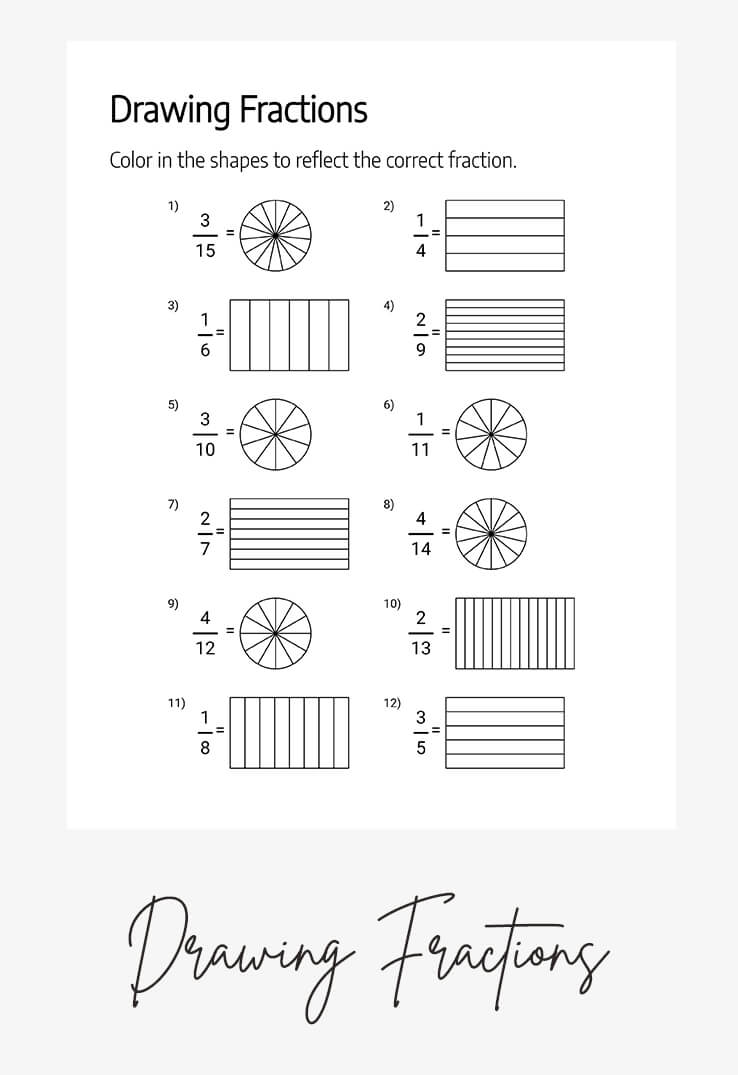
  • Drawing & writing fractions color shapes to form a fraction, or write the fraction a shaded shape shows
  • Fractions in words matching numeric fractions with their written word names
  • Proper, improper & mixed numbers including parts of a mixed number and fractions of a group or set
  • Equivalent, comparing & ordering each in visual and number-based versions for different skill stages
  • Converting, reducing & rounding improper-to-mixed conversion, simplifying to lowest form, rounding to whole numbers
  • Fraction operations addition, subtraction, multiplication, division and finding reciprocals
What sets it apart
  • Visual and number-based pages teach each concept with pie and bar models, then drill it with numbers
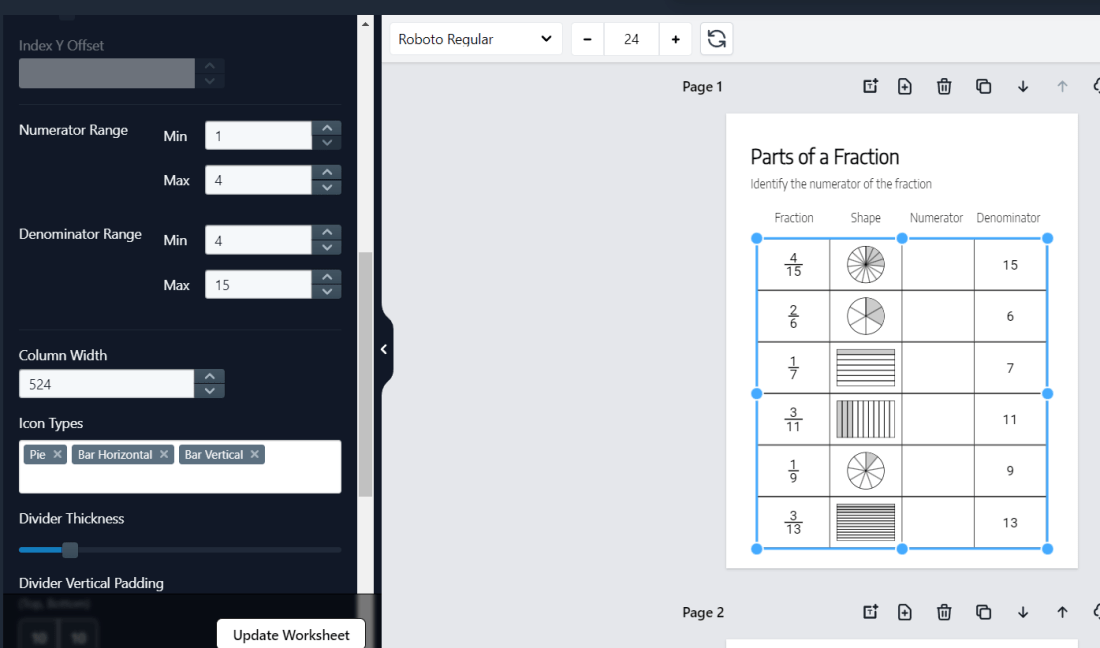
  • Range & complexity controls set numerator and denominator ranges, problems per page and complexity level
  • Per-problem regeneration swap one stubborn problem or refresh the whole worksheet in one click
  • Your own images and icons upload graphics and icons to build illustrated fraction pages
Drawing Fractions worksheet where students color pie and bar models to match given fractions
Worksheet output
Fraction app editor with numerator, denominator and icon-type controls beside a live worksheet
Inside the editor
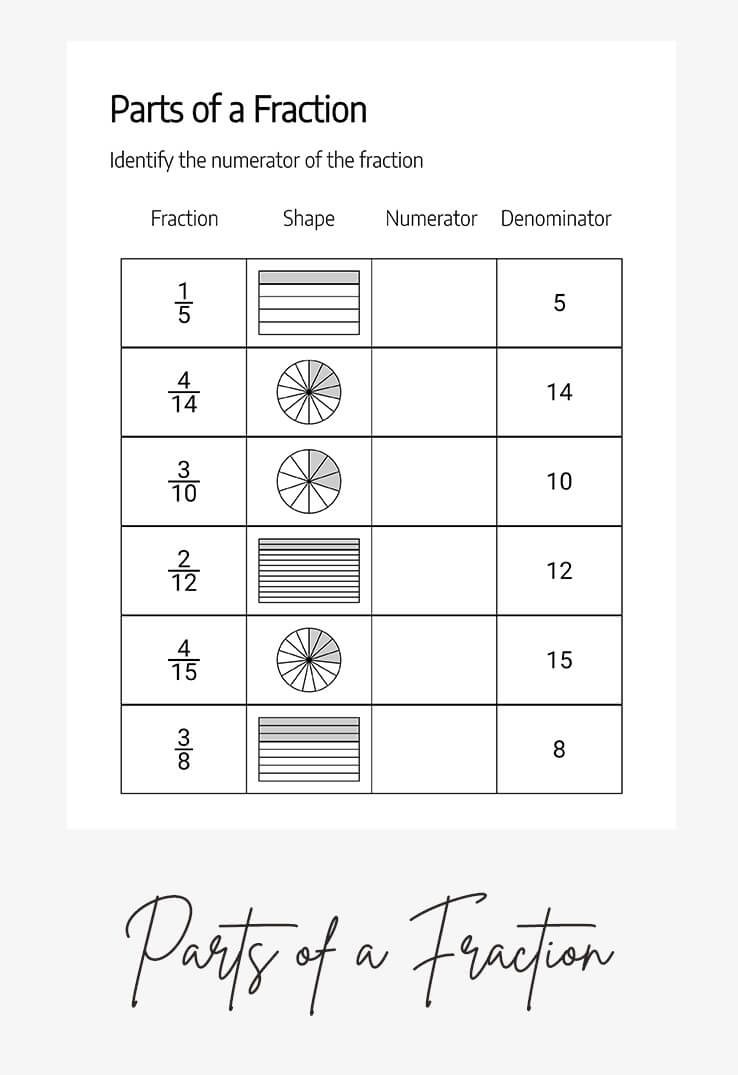
Parts of a Fraction worksheet identifying numerators from shaded pie and bar shapes
Worksheet output

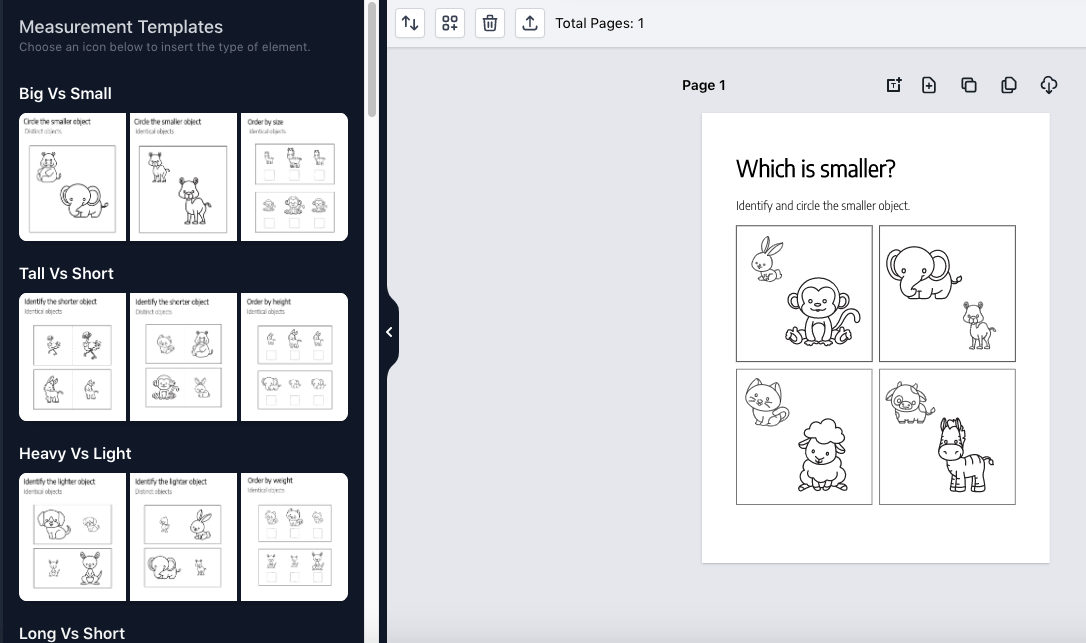
Produces measurement practice worksheets and workbooks for kindergarten through early elementary. Younger students compare long vs short, tall vs short, big vs small, heavy vs light and more vs less; older ones practice metric, US customary and cross-system unit conversions. Pick a module, set range and difficulty, clone pages into a full book, and every worksheet arrives with a matching solution page.
What it creates
  • Long vs short identify, compare and color activities built on the length concept
  • Tall vs short circle, compare and order-by-height pages for the height concept
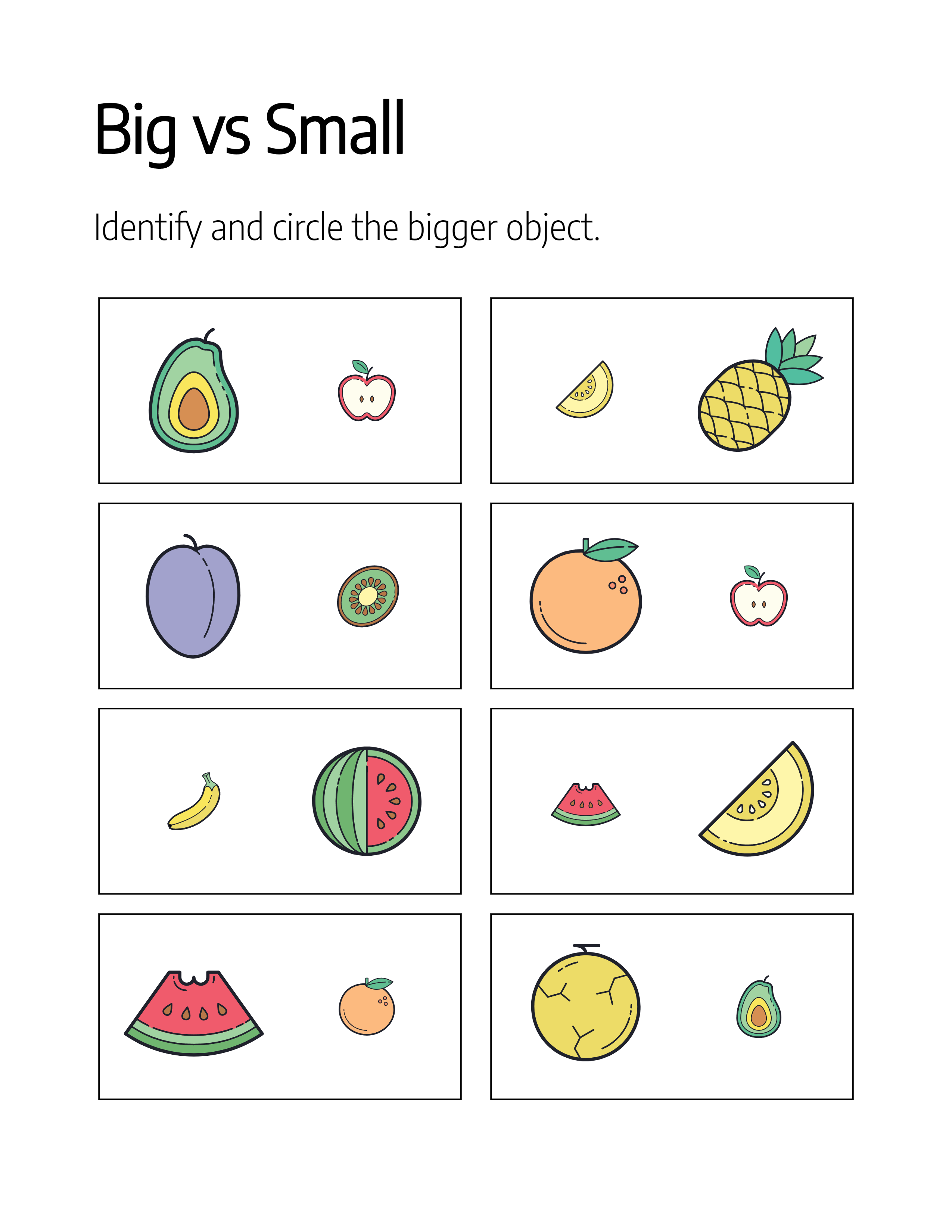
  • Big vs small size comparison with identical or distinct objects, plus order-by-size pages
  • Heavy vs light tick-the-heaviest, cross-the-lightest comparison pages for the weight concept
  • More vs less circle the group with more, comparing quantities across two sets
  • Unit conversions metric, US customary and cross-system conversions for mass, length and volume
  • Conversion word problems every conversion category in a word-problem variant, with multiple layouts
  • Instrument reading measuring-cup and ruler reading pages for capacity and length practice
What sets it apart
  • Range & complexity controls set difficulty, number range and problems-per-page so pages match each learner
  • 50 ready-made icons start from the included library or upload your own icons and images for unique pages
  • 900+ fonts, any text color drag-and-drop text boxes with full font and color control for titles and instructions
Big vs Small worksheet where students circle the bigger fruit in each pair
Worksheet output
Measurement app editor with template picker beside a which-is-smaller worksheet canvas
Inside the editor
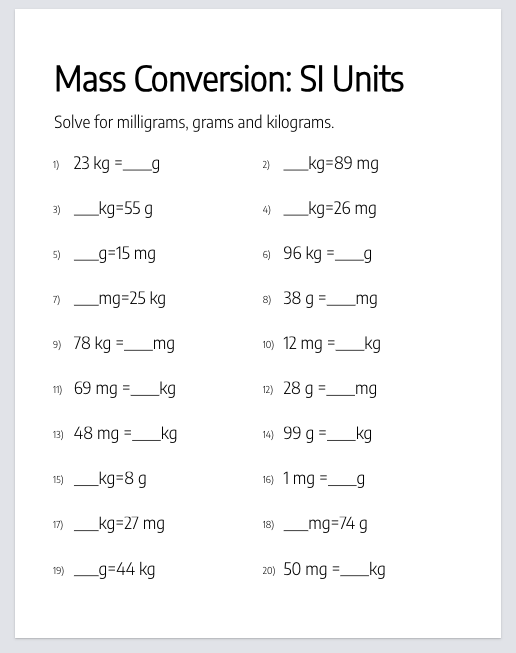
Mass conversion worksheet with fill-in problems between kilograms, grams and milligrams
Worksheet output

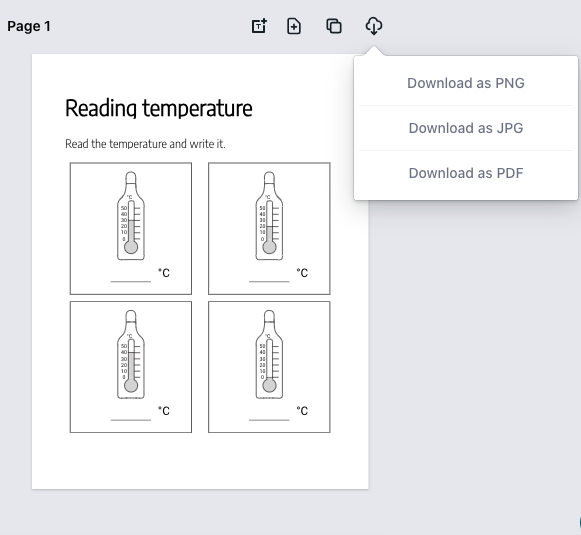
Creates thermometer-based temperature worksheets and complete workbooks for elementary math. Activities cover reading and drawing temperatures in Celsius and Fahrenheit, converting between the two scales, and comparing hotter and cooler readings — each rendered in your choice of 21 illustrated thermometer designs. Set the complexity, regenerate problems in one click, and download print-ready pages with solutions organized inside the book.
What it creates
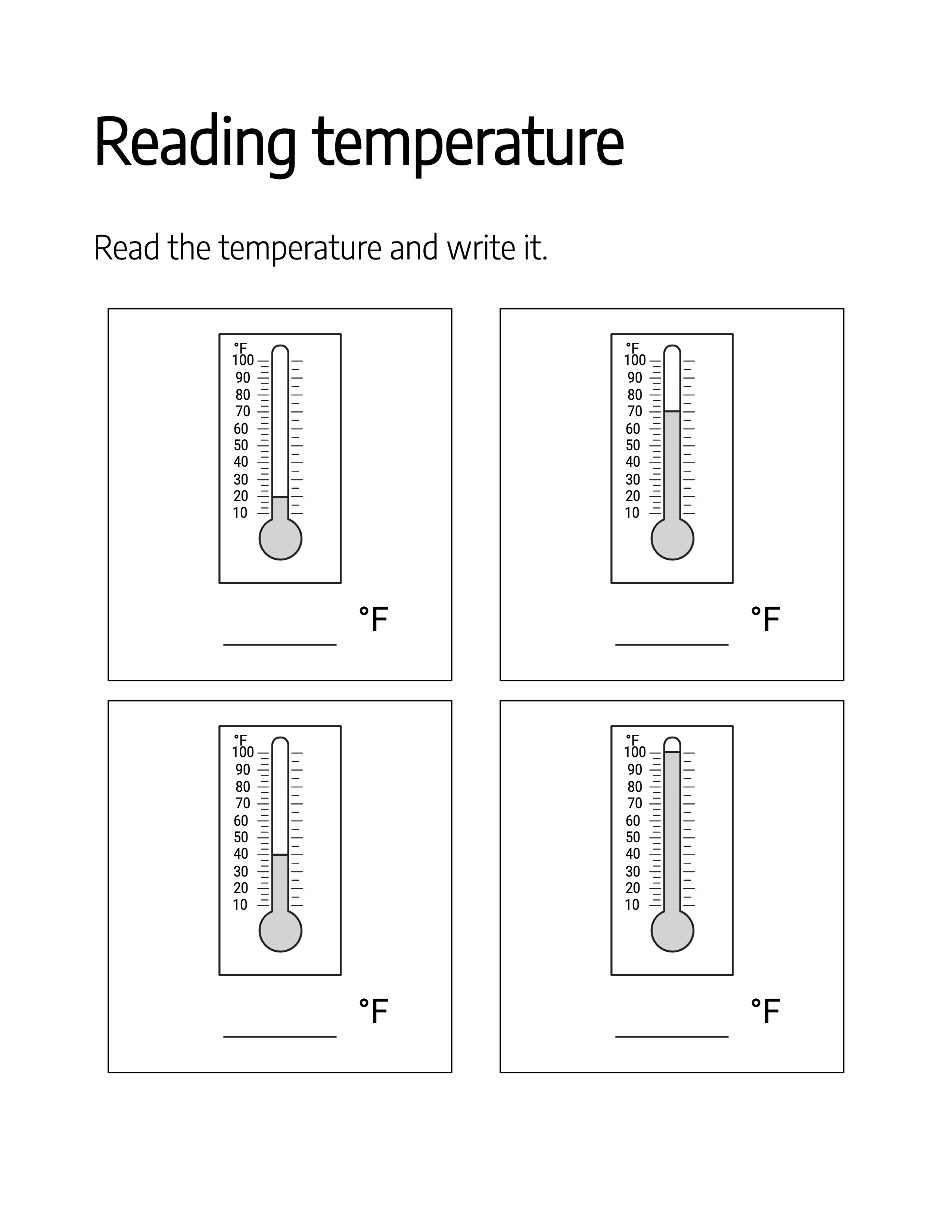
  • Reading temperatures read the mercury level on a °C or °F thermometer and record it
  • Drawing temperatures draw the mercury level that matches a given Celsius or Fahrenheit value
  • Scale-conversion reading read a thermometer in one scale and write the temperature in the other
  • Scale-conversion drawing read a value in one scale and draw it on the other scale's thermometer
  • Hotter vs cooler compare two side-by-side thermometers and identify the hotter and cooler reading
  • Draw hotter or cooler shade a second thermometer to show a hotter or cooler temperature than the first
What sets it apart
  • Thermometer design gallery pick from a built-in gallery of thermometer styles for every activity
  • Complexity selector start with simple temperature reading and step up to Celsius-Fahrenheit conversions
  • Drag-and-drop text styling add titles and instructions anywhere, with 900+ fonts and full color control
Reading-temperature worksheet with four Fahrenheit thermometers at different mercury levels
Worksheet output
App canvas showing a four-thermometer worksheet page with the export menu open
Inside the editor
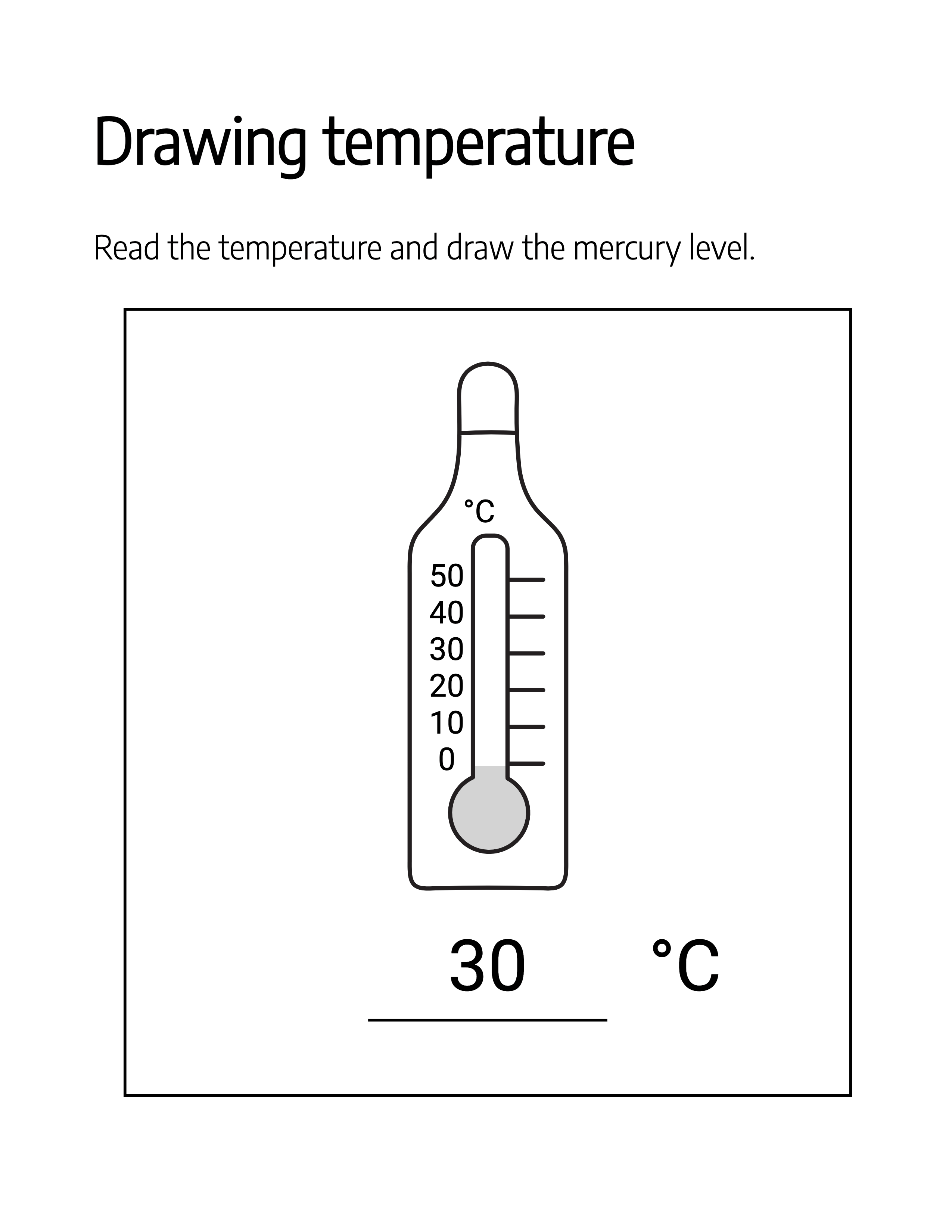
Drawing-temperature worksheet where students draw the mercury level for 30 degrees Celsius
Worksheet output

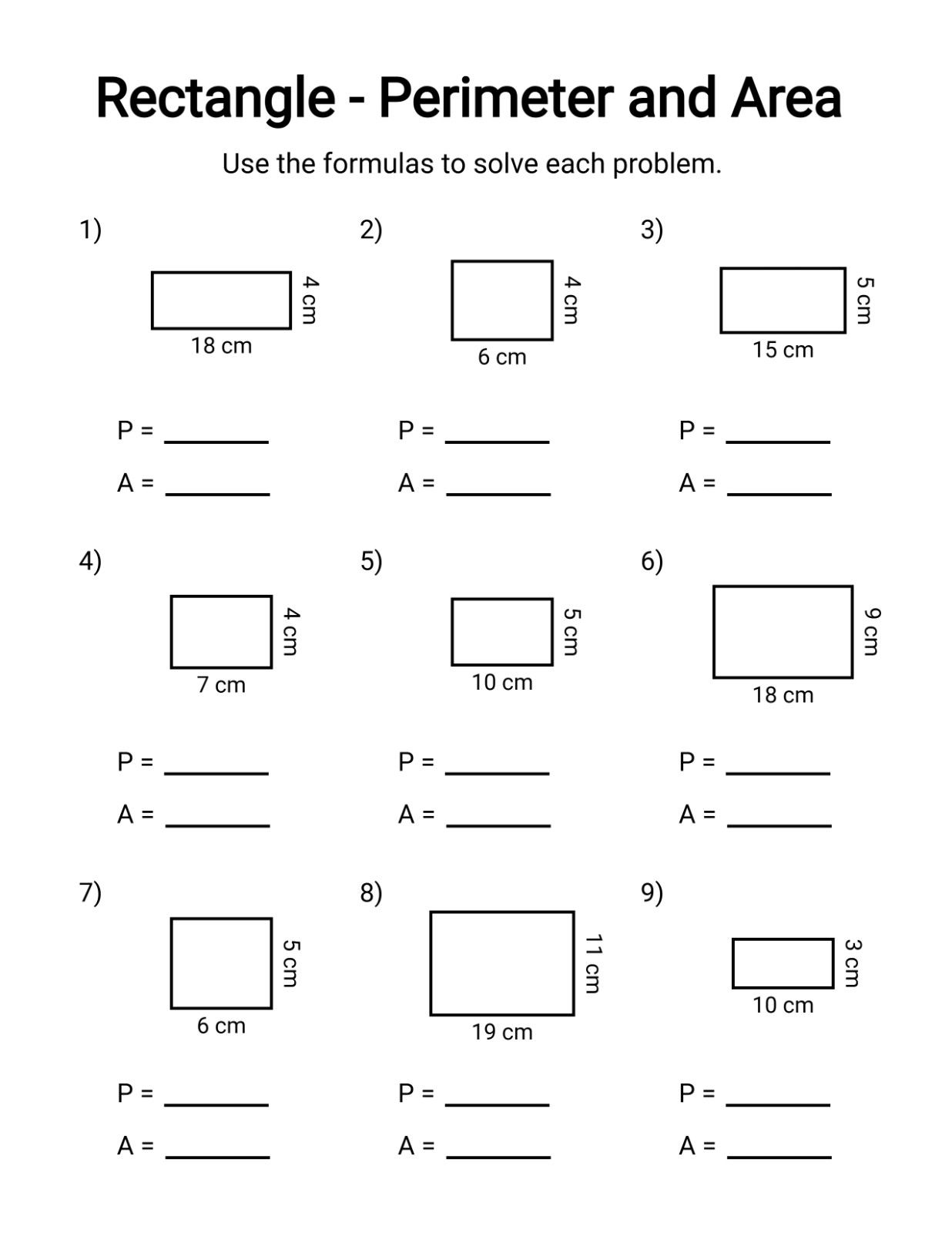
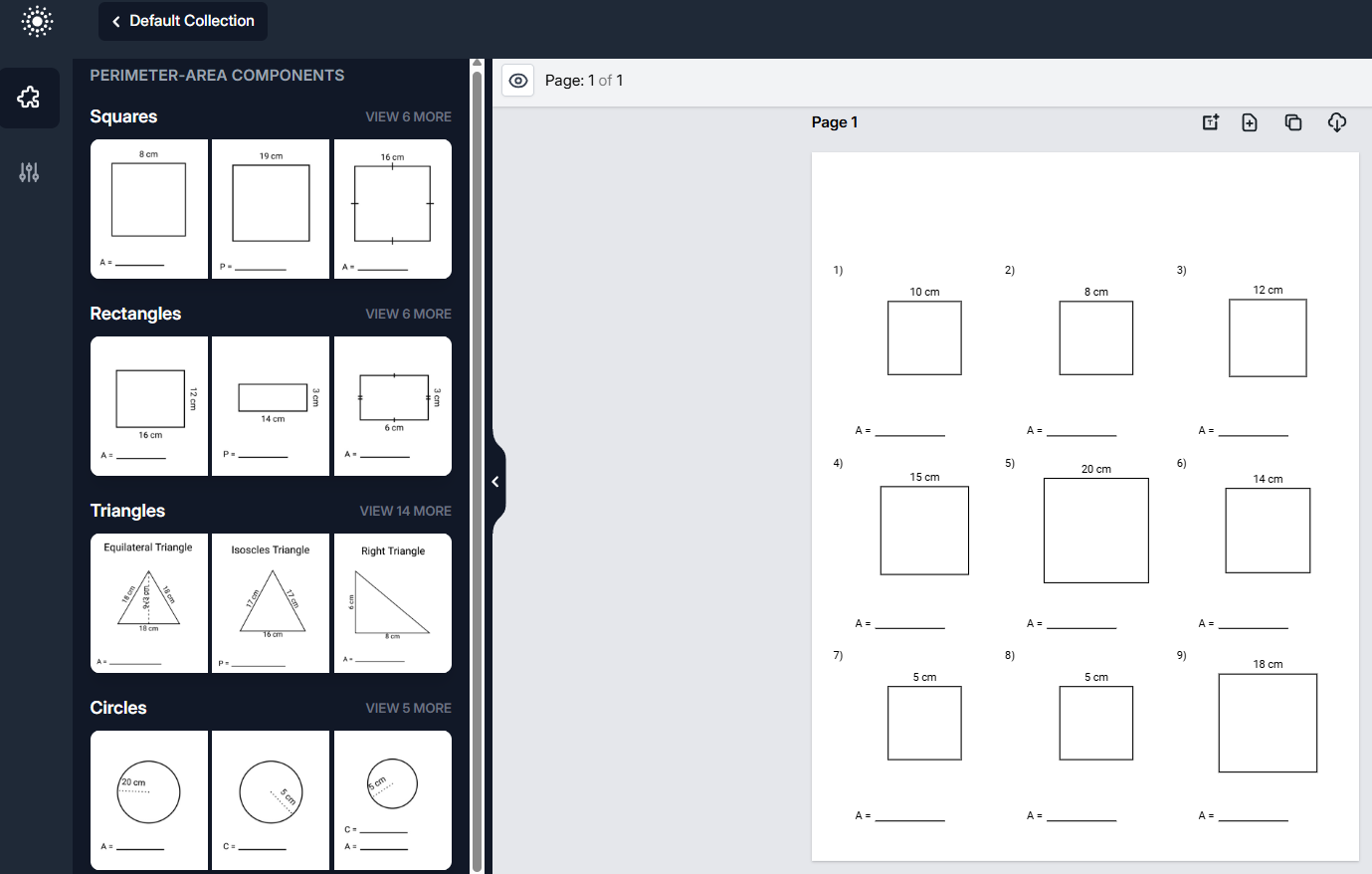
Generates perimeter and area worksheets and complete workbooks for elementary geometry practice. Ten shape families — squares, rectangles, triangles, circles, parallelograms, trapezoids, rhombuses, kites, regular polygons and annulus rings — each with problem variations from direct calculation to solving for missing dimensions. Pick from 274 ready-made templates, set complexity and problems per page, regenerate in one click, and solution pages assemble themselves automatically.
What it creates
  • Squares & rectangles side, length and width problems solving for perimeter, area or both
  • Triangles base-and-height problems where different measurements are given each time
  • Circles radius, diameter, circumference and area problems that introduce π
  • Advanced quadrilaterals parallelograms, trapezoids, rhombuses and kites with diagonal-based area work
  • Regular polygons pentagons, hexagons, octagons and more with varied given measurements
  • Rings & circle parts annulus, sector, arc-length and semicircle problems with exact-π answers
  • Reverse & multi-step problems perimeter or area given, learners work back to the missing dimensions
What sets it apart
  • Complexity selector progress from direct calculations to reverse and multi-step problem solving
  • Mixed-shape pages combine several shapes and problem types on a single worksheet
  • Flexible unit handling mix units within a page or drop units entirely for beginners
Rectangle perimeter and area worksheet with nine labeled figures and blank answer lines
Worksheet output
App interface with the shape component palette beside a square worksheet canvas
Inside the editor
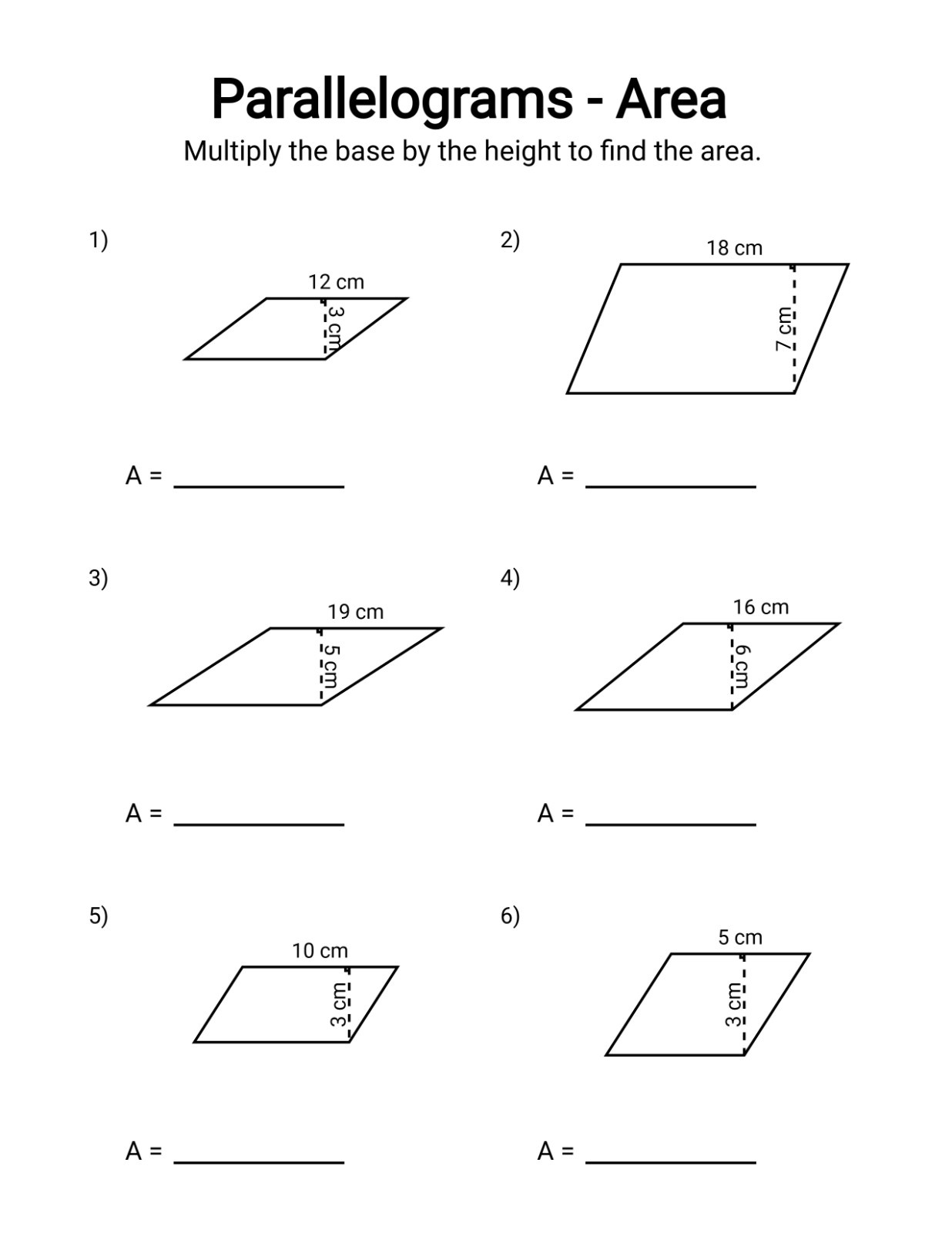
Parallelogram area worksheet with six base-and-height figures to solve
Worksheet output

Reading & Word Skills

04 apps

Phonics, vocabulary and word play that build confident readers.

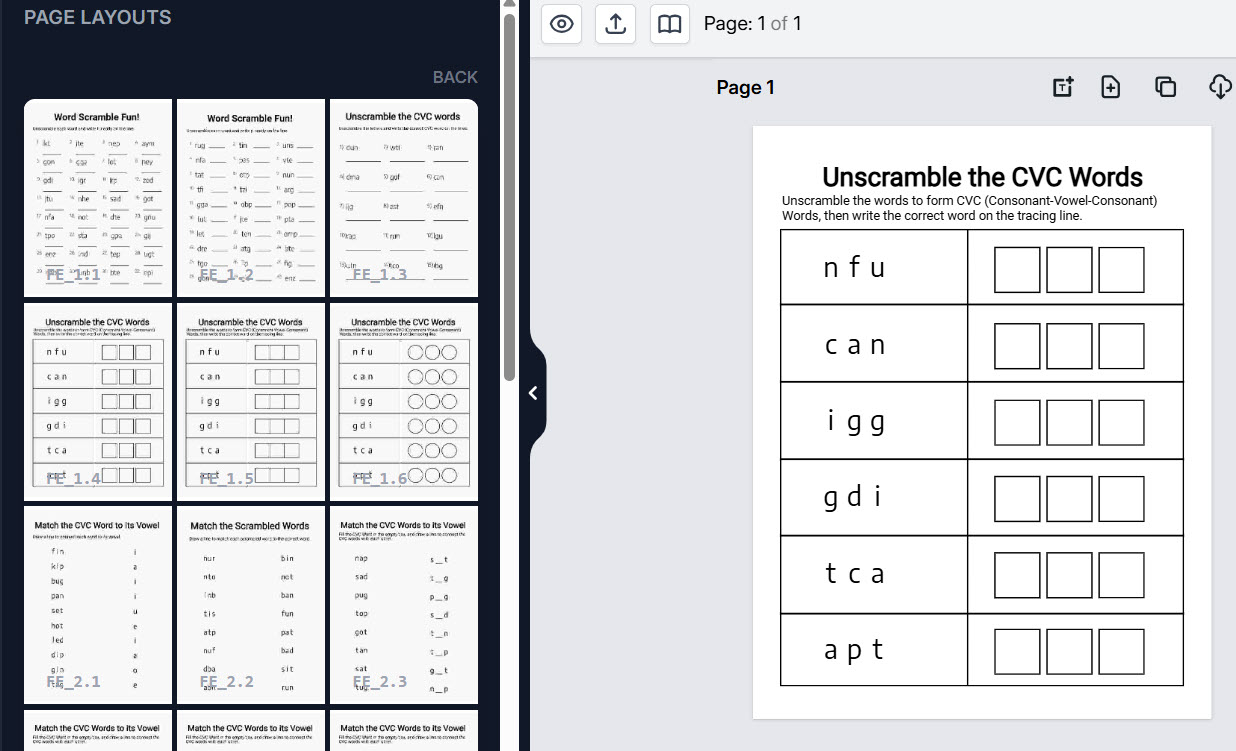
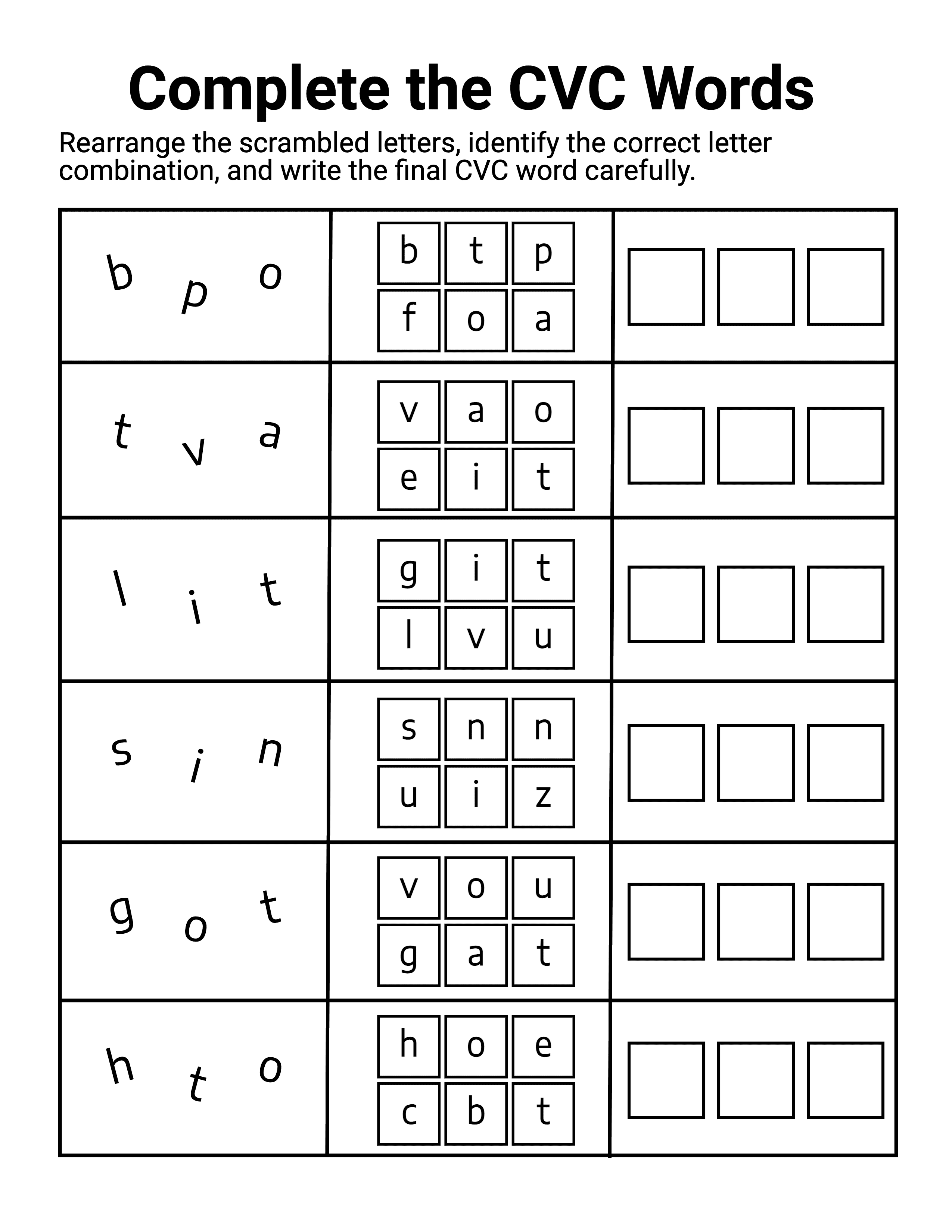
Creates consonant-vowel-consonant phonics worksheets and complete practice workbooks for pre-K to first-grade readers learning to decode their first words. A built-in CVC word library feeds every activity — unscrambles, missing-vowel drills, matching, word clouds, coloring pages and more — across ready-made page layouts. Target a specific vowel or word family, clone pages across a whole book, and download with solutions.
What it creates
  • Build-the-word scrambles unscramble letters or build words letter by letter in alphabet boxes
  • Complete the word fill in the missing vowel, beginning or ending sound
  • Matching & multiple choice connect words to vowels and pictures, or pick from word banks and given choices
  • Circle the correct word spot the right spelling among similar-looking decoy words
  • Read, write & trace read a word, write it on guide lines or trace missing letters
  • Find, read & color coloring tasks paired with word recognition to keep young learners engaged
  • Word-cloud finders hunt the target word, with difficulty set by font sizes and decoy words
  • Pave-the-path grids trace letter-to-letter through a grid until the whole word is formed
What sets it apart
  • Built-in CVC word library choose from a ready-made word database — no lists to type or spell-check
  • Vowel & word-family targeting build structured progressions around one short vowel or a word family like -at
  • 45+ ready-made layouts activity page layouts ready to drop onto the book canvas
  • Multiple design styles boxed answers, circles or open blanks keep repeat practice looking fresh
  • Design your own layouts combine components into fully custom page layouts and reuse them across books
  • 1-click generation & cloning turn a layout into a finished page, then clone or bulk-clone it across a book
  • Show-or-hide solutions toggle the answer view on or off for any worksheet before downloading
Missing-vowel CVC worksheet with pictures and handwriting guide lines for each word
Worksheet output
App editor with the page-layout picker beside an unscramble worksheet on the canvas
Inside the editor
Complete-the-CVC-words worksheet with scrambled letters, letter choices and answer boxes
Worksheet output

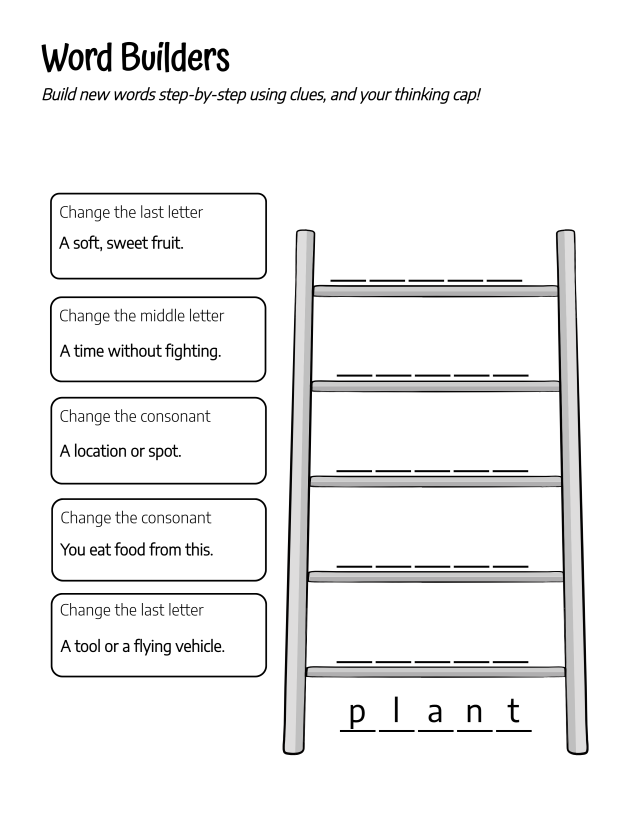
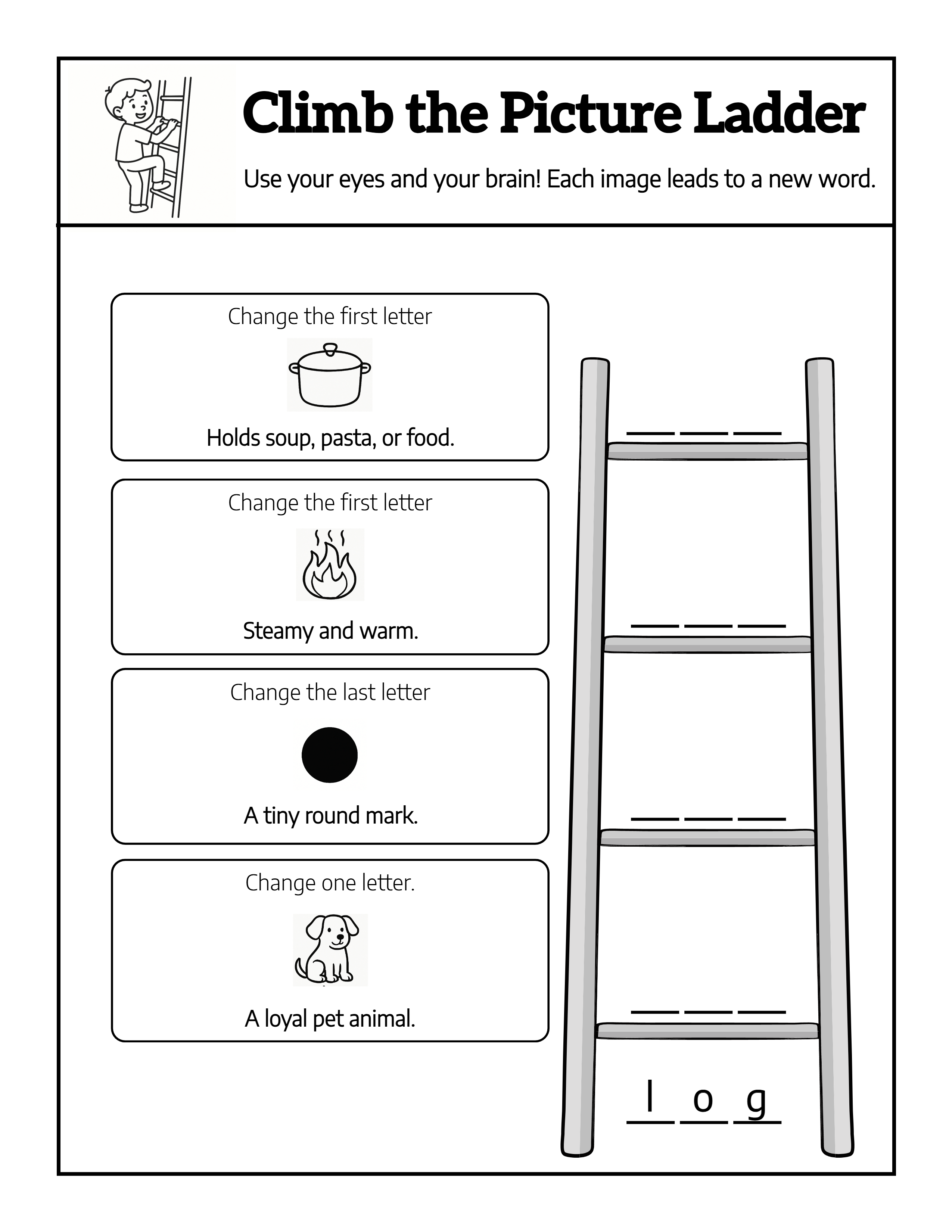
Builds word-ladder puzzle pages for vocabulary and spelling practice: students climb from a start word to a goal word, changing one letter per rung with a clue at every step. Ladders range from two-letter beginner words to ten-step challenges, with picture-clue and themed variants. Build clues by hand or let smart word suggestions connect the rungs, then clone pages into a full activity book.
What it creates
  • Classic word ladders climb from a start word to a goal word, one letter per rung
  • Multi-step ladders short beginner climbs up to ten-step challenges for stronger spellers
  • Mixed word-length ladders a single ladder where every rung can use a different letter count
  • Picture-clue ladders images replace text clues for early readers and visual learners
  • Ladders in 15 languages in Spanish, French, German, Italian, Dutch and more — no fluency needed
  • Themed ladder pages 400+ hand-drawn ladder illustrations across 14 styles, from rope to bamboo
  • Phonics word-family ladders built on 390 word families, from short-vowel sets to advanced patterns
What sets it apart
  • Word ladder builder set each step's transformation type, result word, instruction and clue in one panel
  • Smart word suggestions auto-connect related words at every rung, or keep full manual control
  • Word-and-clue sync a connector drawer links each rung to its clue and instruction
  • CSV book creator upload words, clues and instructions to generate a unique activity on every page
  • Solution toggle show or hide the answer ladder on any worksheet
Word ladder worksheet with five clue boxes climbing from the word plant
Worksheet output
Picture-clue word ladder page climbing rung by rung from the word log
Worksheet output
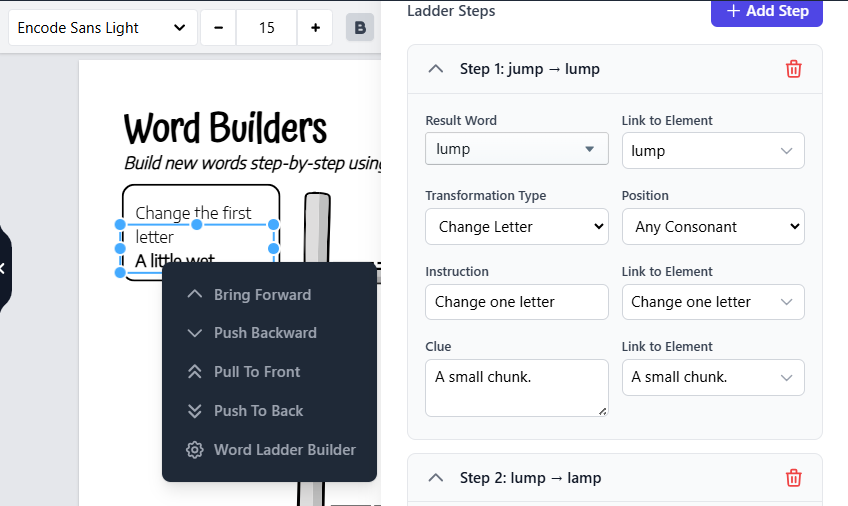
Word ladder builder panel defining each step's transformation, instruction and clue
Inside the editor

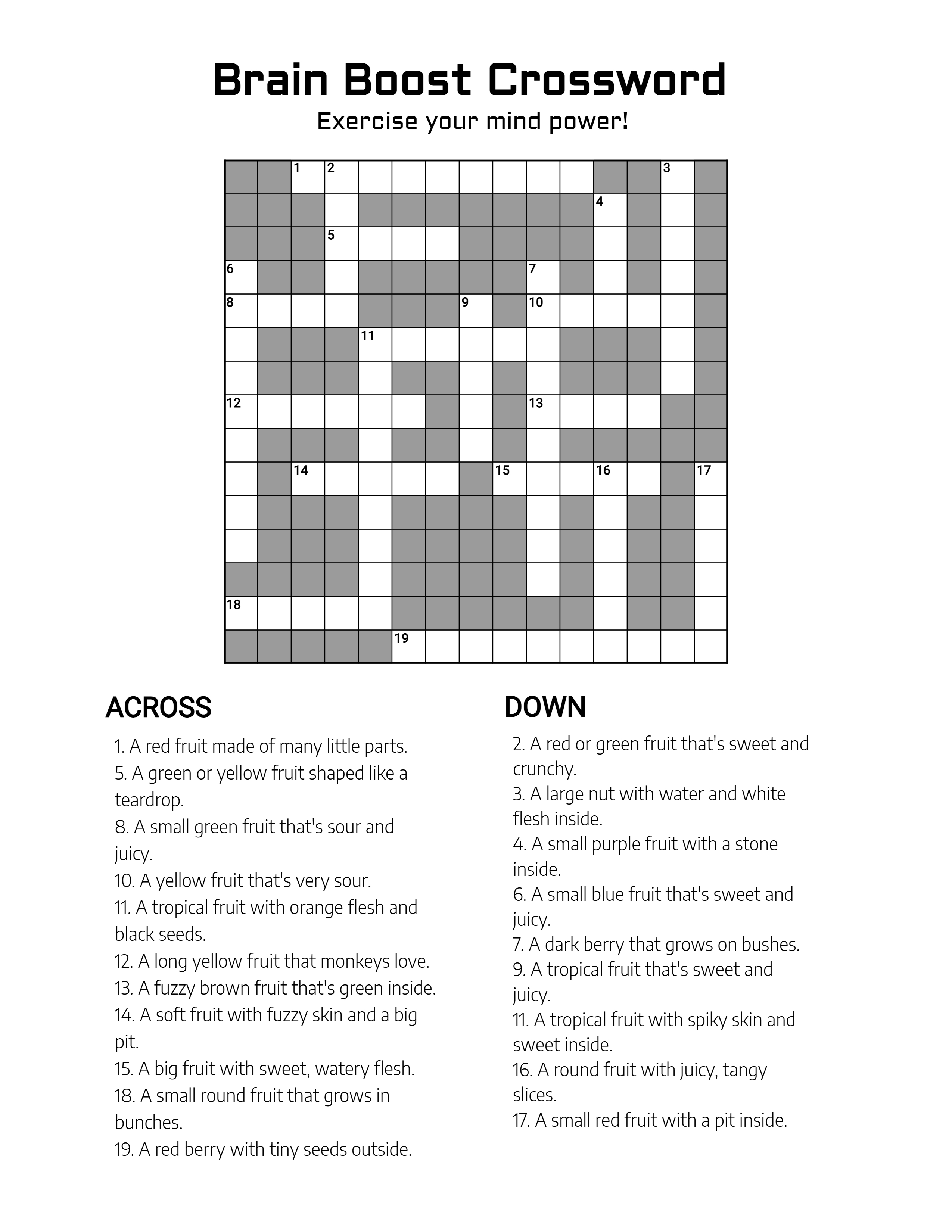
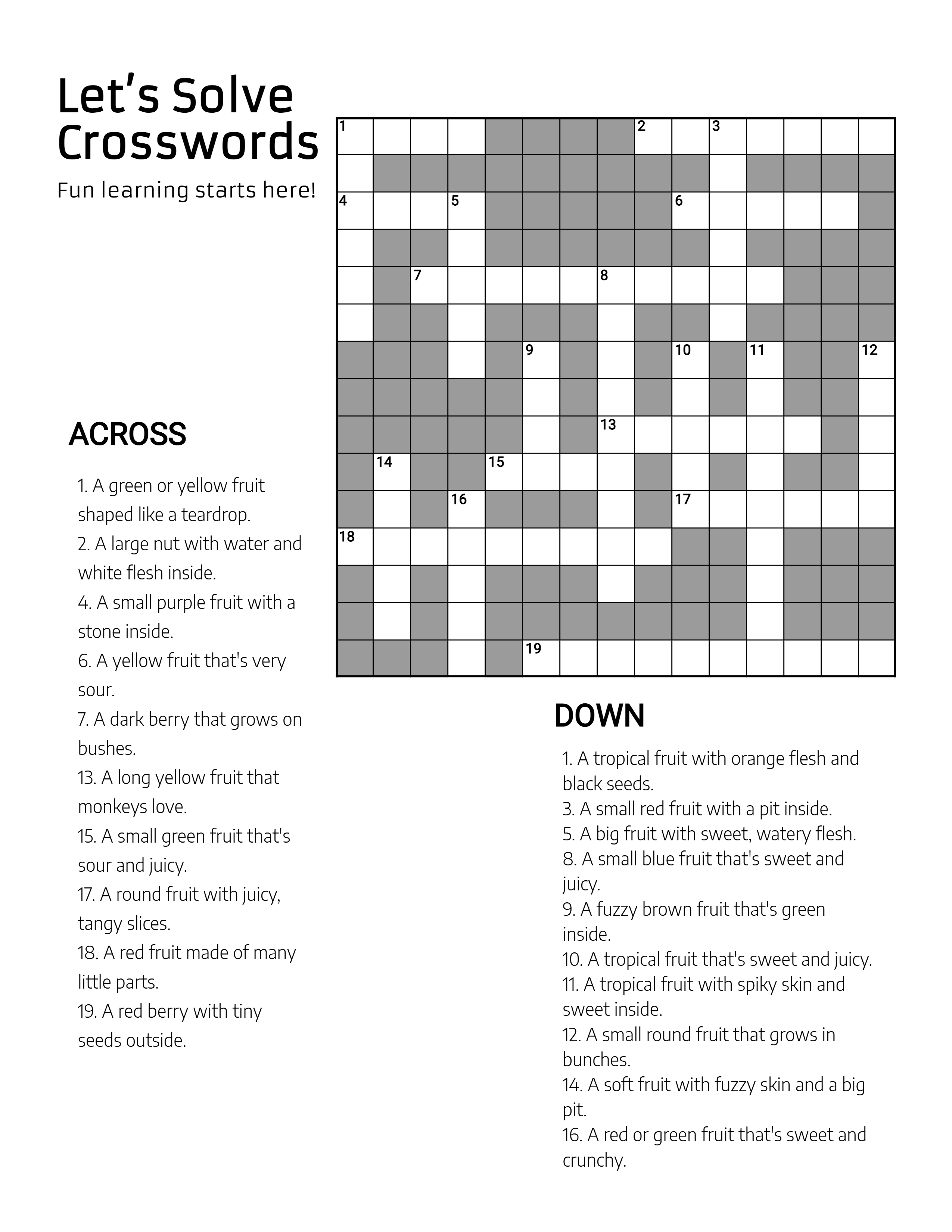
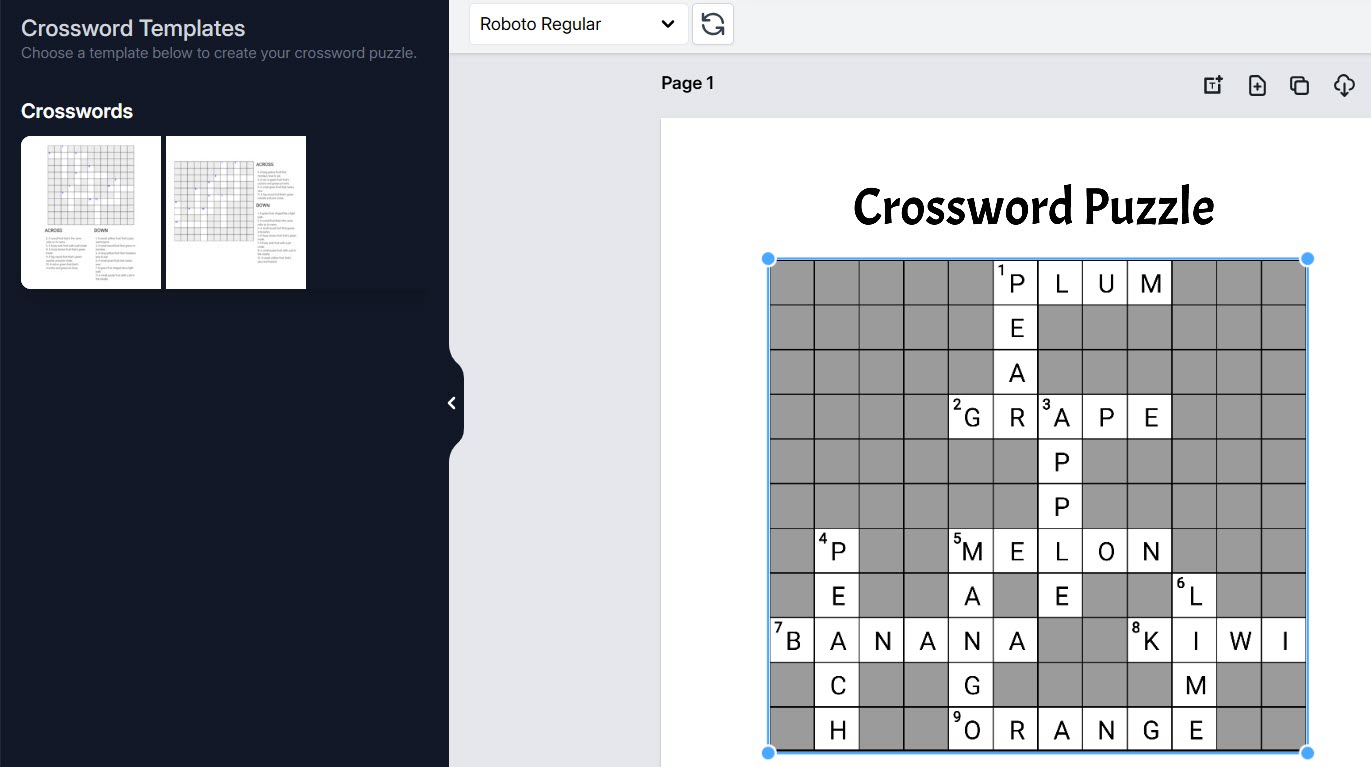
Turns any word list into classroom-ready crossword puzzles — and not just the classic kind. Build standard clue crosswords, fill-in puzzles where students fit a word bank into the grid, cipher crosswords decoded letter by letter, math-based crossnumbers, and picture crosswords with image clues. Control hint letters, regenerate fresh grids from the same words, and download solutions alongside.
What it creates
  • Classic crosswords numbered across-and-down clue puzzles arranged automatically from your word list
  • Fill-in crosswords no clues — students fit the word bank into the interlocking grid
  • Cipher crosswords letters hidden behind number or symbol codes, with a key legend
  • Crossnumber puzzles crossword grids where the answers are numbers instead of words
  • Picture crosswords image clues take the place of written hints
What sets it apart
  • Hint & reveal engine choose how many letters are pre-revealed and how they spread
  • Word bank options show a word bank at the bottom, left or right of the puzzle
  • Fresh grids, same words reshuffle placement, orientation and intersections for a brand-new puzzle
  • 17 built-in languages default word-and-clue sets ready to customize in seventeen languages
Fruit-themed crossword puzzle worksheet with numbered grid and across and down clues
Worksheet output
Crossword app interface with template picker beside a puzzle being edited on the canvas
Inside the editor
Brain Boost crossword page with a large empty grid above its clue lists
Worksheet output

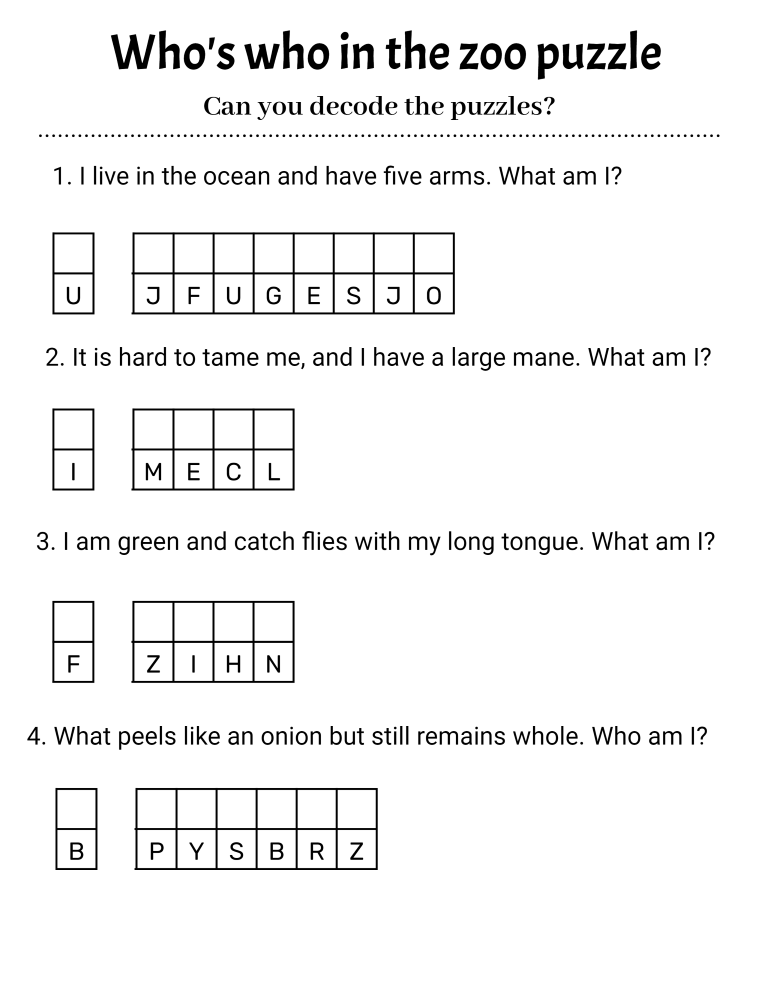
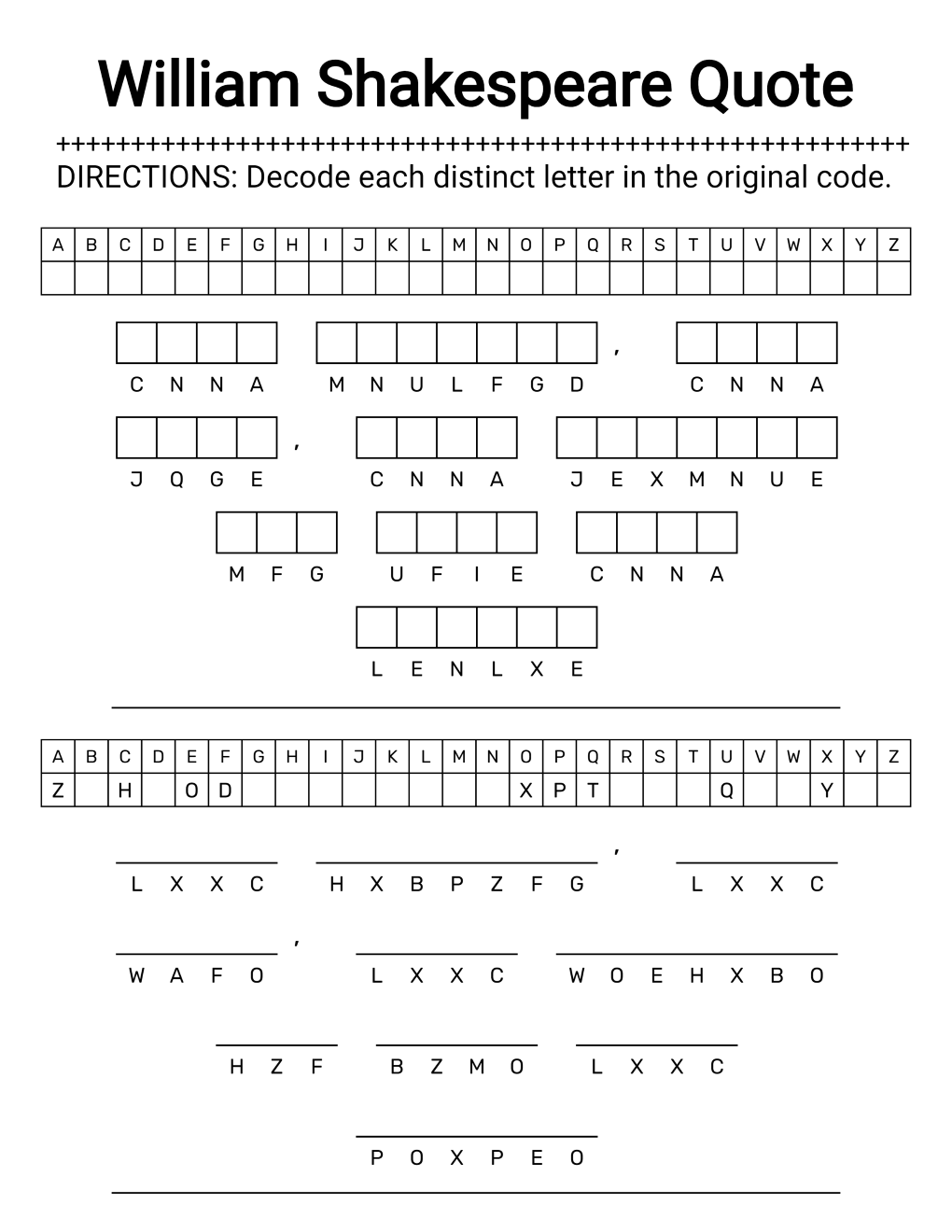
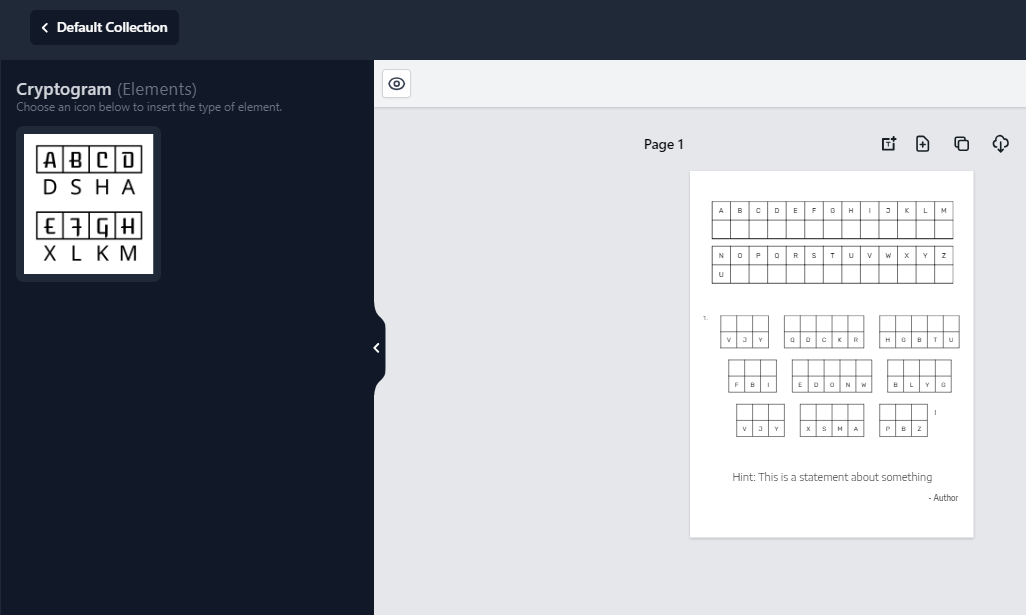
Produces cryptogram puzzles — quotes and phrases encrypted with a letter, number or symbol cipher for students to decode. Type any phrase and the app encodes it instantly, complete with an alphabet hint key and a matching solution page. Phrases can include numbers and punctuation, answer blanks come as grids, boxes or lines, and cloning pages turns one good design into a full puzzle book.
What it creates
  • Letter-substitution cryptograms classic A-to-Z cipher puzzles built from any quote or phrase
  • Number-coded cryptograms digits 1–26 stand in for the letters of the alphabet
  • Symbol cryptograms letters encoded with symbol alphabets for an extra decoding challenge
  • Picture cryptograms icon-based sentences and legends for visual code-breakers
  • Clue-based cryptograms a written clue guides students toward the decoded answer
What sets it apart
  • Hints built in every puzzle includes an alphabet key out of the box — remove it for a tougher solve
  • Numbers and punctuation phrases with numerals, commas and apostrophes encode as cleanly as plain letters
  • Five answer-blank styles line, box, rounded box, circle or hexagon blanks under each letter
  • Full layout control cipher and puzzle style independently — rows, spacing, cell size, character spacing and width
  • 900+ fonts and text boxes style titles, directions and puzzles with 900-plus fonts and free-placed text blocks
Shakespeare quote cryptogram page with alphabet key and empty answer boxes to decode
Worksheet output
Cryptogram editor with element palette beside a live puzzle page on the canvas
Inside the editor
Animal riddle cryptogram worksheet with four coded answers for young solvers
Worksheet output

Handwriting, Drawing & Creative

04 apps

Fine-motor practice, pre-writing skills, and creative printables kids love to finish.

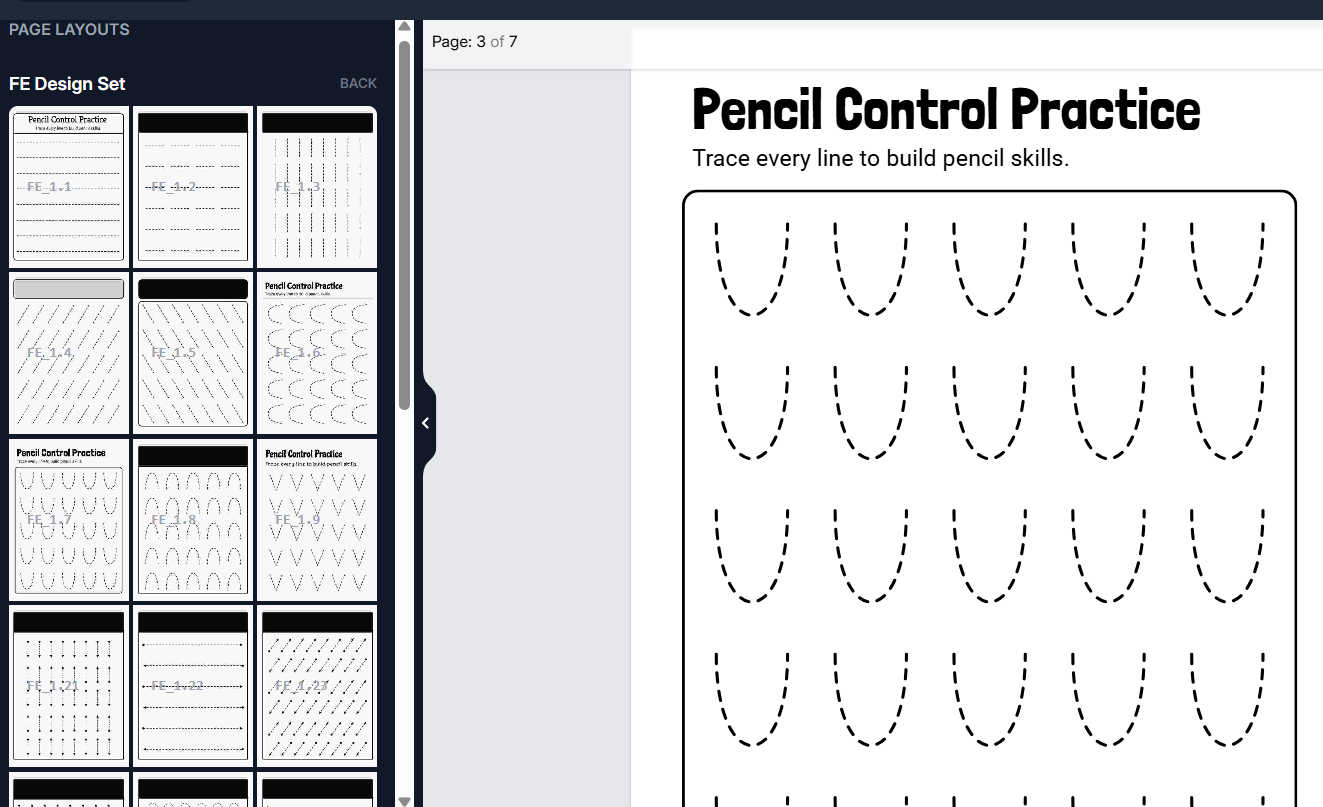
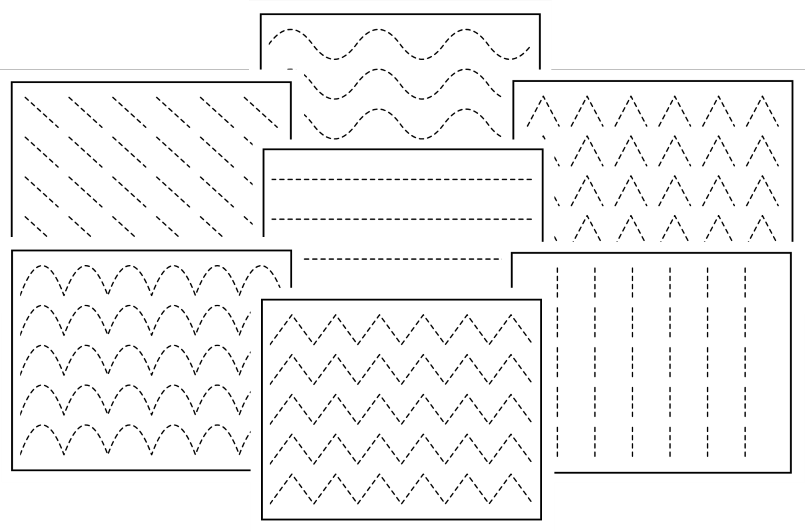
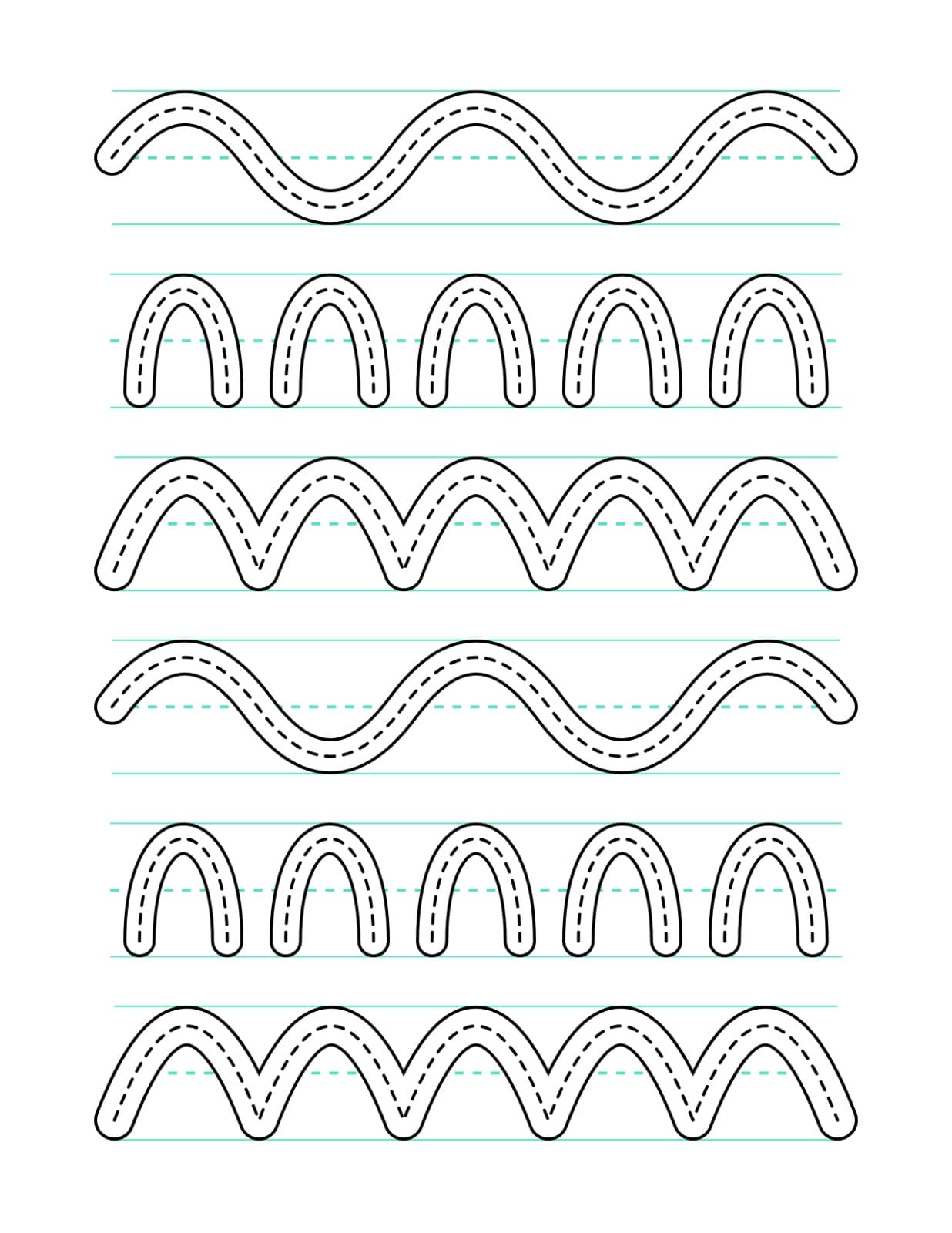
Builds professional tracing and pre-writing practice pages for preschool and early-elementary learners. Choose vertical, horizontal, inclined, curved, directional or continuous tracing activities, set dotted, dashed or solid guide lines, and assemble complete beginner-to-advanced workbooks from reusable building blocks — no drawing or design skills required.
What it creates
  • Line & curve tracing vertical, horizontal, inclined, curved, directional and continuous strokes
  • Shape tracing 12 geometric shapes, from circles and squares to stars and octagons
  • Guided pathways corridor-style tracing channels with adjustable width, walls and centerline guides
  • Story paths custom story-driven tracing journeys — like a dotted trail to the treasure chest
  • Picture-matching activities icon-based matching and visual-connection pages from your own images
  • Spiral tracing seven spiral topologies, from circles and squares to progressive and figure-8 paths
  • Copy the pattern dot-grid pages where students replicate a pattern square by square
What sets it apart
  • Three line styles dotted, dashed or solid gray guides, matched to age and skill
  • Progressive difficulty from single-activity beginner pages to mixed advanced reviews
  • Handwriting guide lines configurable baseline and x-height bands for pre-writing readiness
  • Draw your own patterns sketch a custom tracing pattern and reuse it like any built-in component
  • Stroke-direction indicators start dots and arrowheads that teach correct stroke order
  • 900+ fonts, full color control style guide lines, components and text to match your materials
Tracing worksheet with vertical, curved and directional line exercises
Worksheet output
Guided-pathway tracing page with corridor channels for early writers
Worksheet output
Pencil Control app interface with the worksheet-type picker open
Inside the editor

Generates hands-on cut and paste activity pages for early learners: students cut out letters, numbers, words or picture pieces and paste them into place. Activities span alphabet practice, counting and sequences, arithmetic equations, clock building, word work and icon-based picture puzzles. Pick a module, generate a complete page — cut-lines and scissor icons included — then clone, shuffle and assemble full activity books.
What it creates
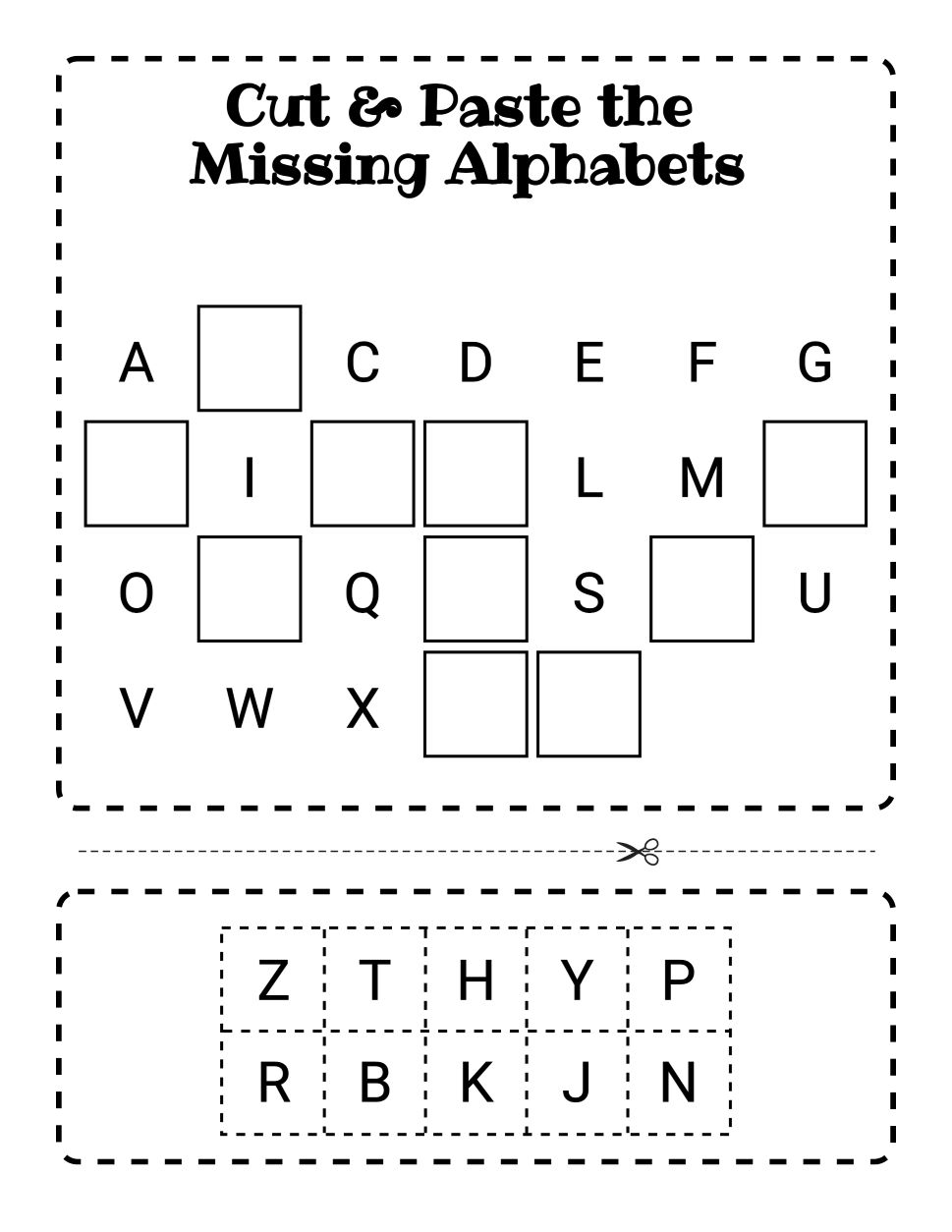
  • Alphabet activities missing-letter completion, uppercase–lowercase matching and alphabetical-order pages
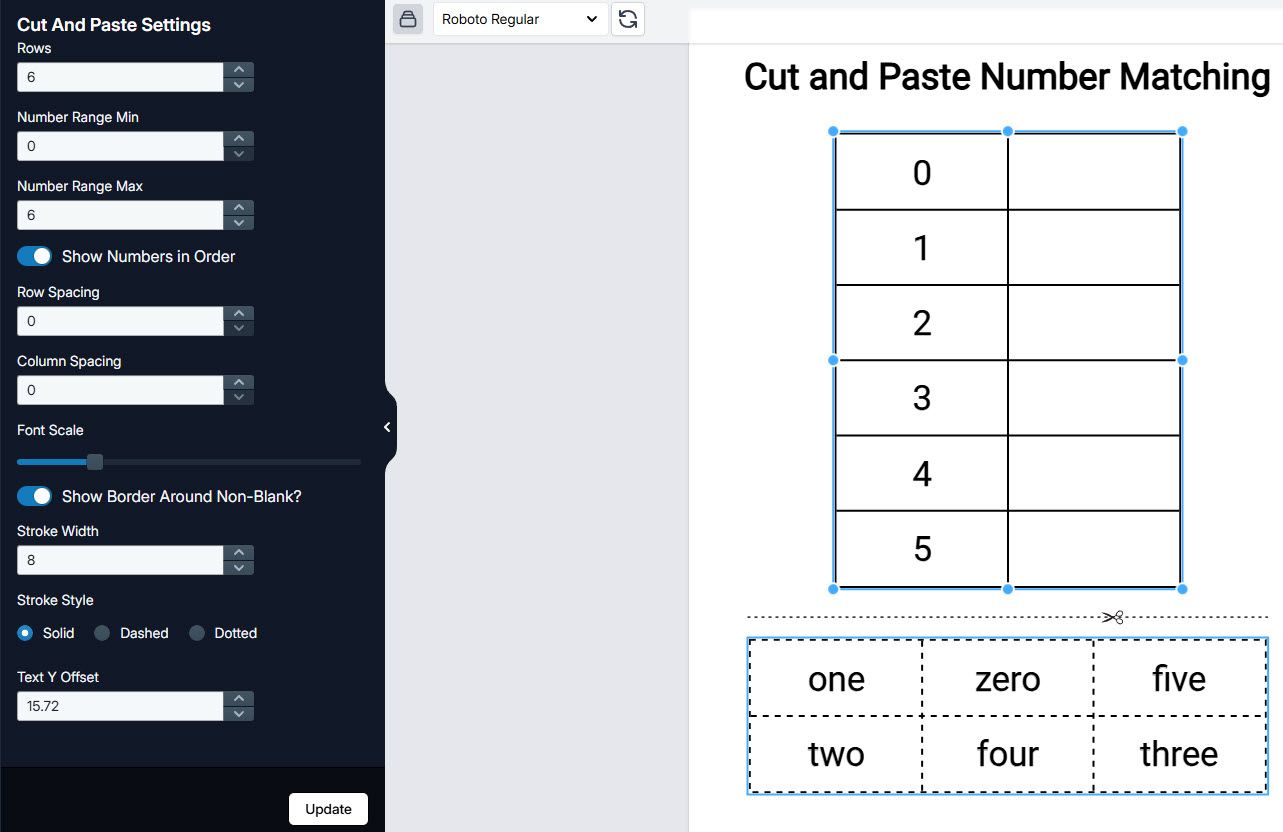
  • Number activities number–word matching, missing numbers and sequence-completion pages
  • Math equations addition, subtraction, multiplication and division pages with cut-out answers, plus mixed reviews
  • Build-a-Clock & telling time paste numbers onto a clock face or match times to analog clocks
  • Word work word unscrambles, word identification, rhyming words and sentence-building pages
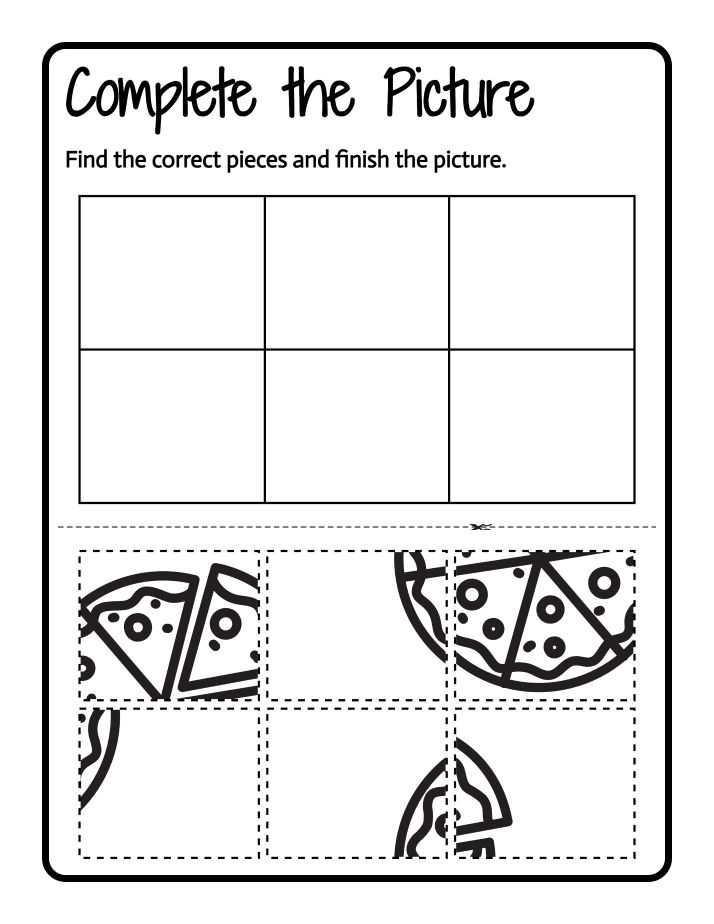
  • Picture puzzles complete-the-picture, match-the-halves and match-the-shadow activities built from icons
  • Sorting, patterns & comparisons cut-and-sort categories, pattern-sequence completion and set-comparison pages
What sets it apart
  • 1-click page generation pick a module and a complete activity page appears, cut-lines and scissor icons included
  • Icon-native activity engines icons drive the activity logic itself — patterns, matching, sorting and counting built from pictures
  • 130+ ready-made layouts cut and paste zones, spacing and visual hierarchy already designed — pick one and customize
  • Up to four item groups build multi-group activity pages with as many as four separate word or item sets
  • Upload your own images bring custom illustrations and design elements straight into the page editor
  • 900+ fonts, full color control style titles, instructions and component borders to match the rest of your materials
Cut and paste worksheet where students fill in missing alphabet letters
Worksheet output
App editor with cut and paste settings beside a number-matching worksheet canvas
Inside the editor
Complete-the-picture activity where students assemble a pizza from cut-out pieces
Worksheet output

Turns your own illustrations into how-to-draw pages for beginning artists. Place any PNG on a labeled grid that students copy square by square, or split a layered SVG into numbered step-by-step tutorials with 20+ page layouts. Set complexity, rows and columns, then build complete multi-page drawing books in bulk and download them print-ready.
What it creates
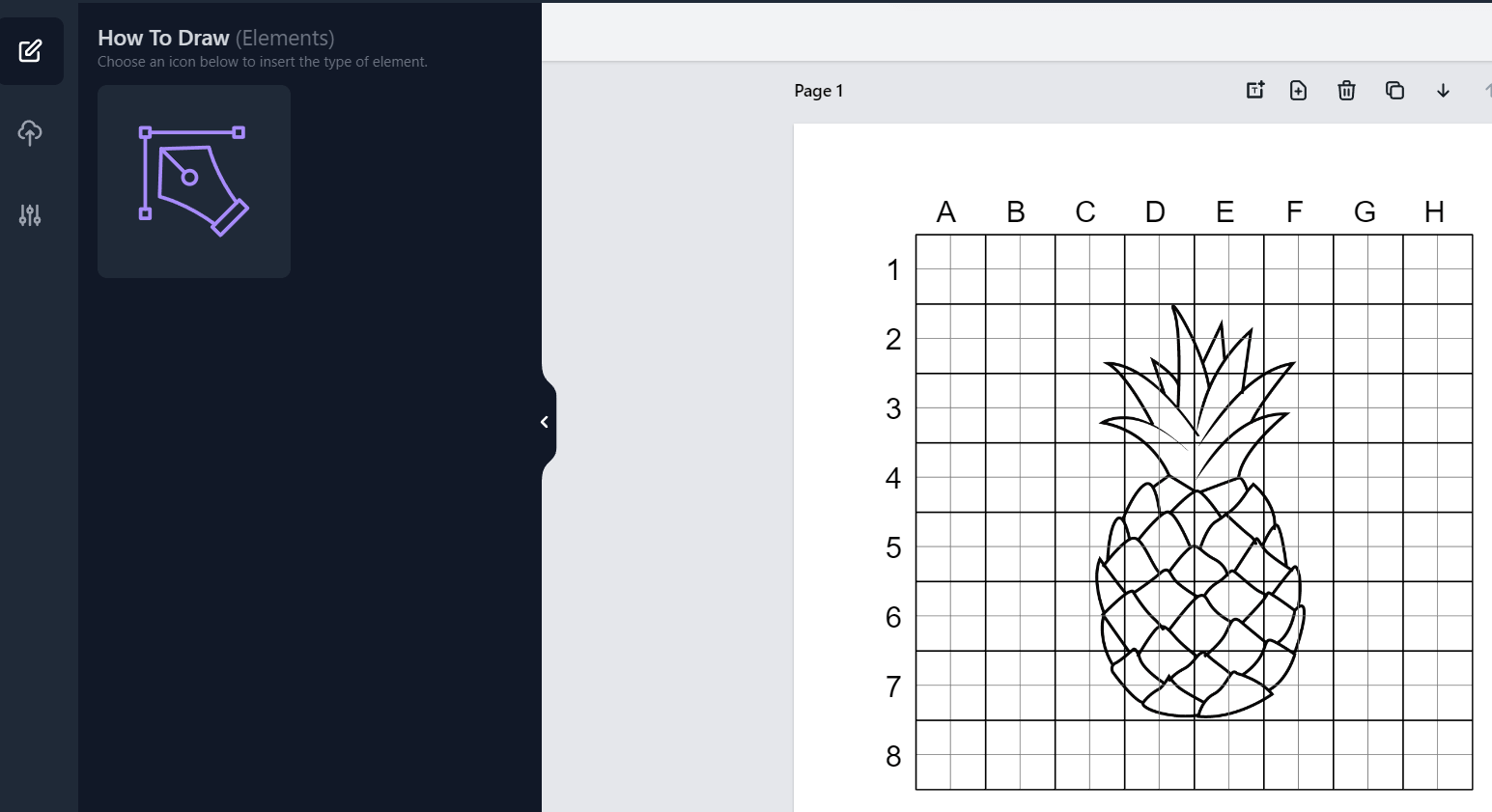
  • Grid drawing guides an illustration on a labeled grid with a matching blank grid to copy into
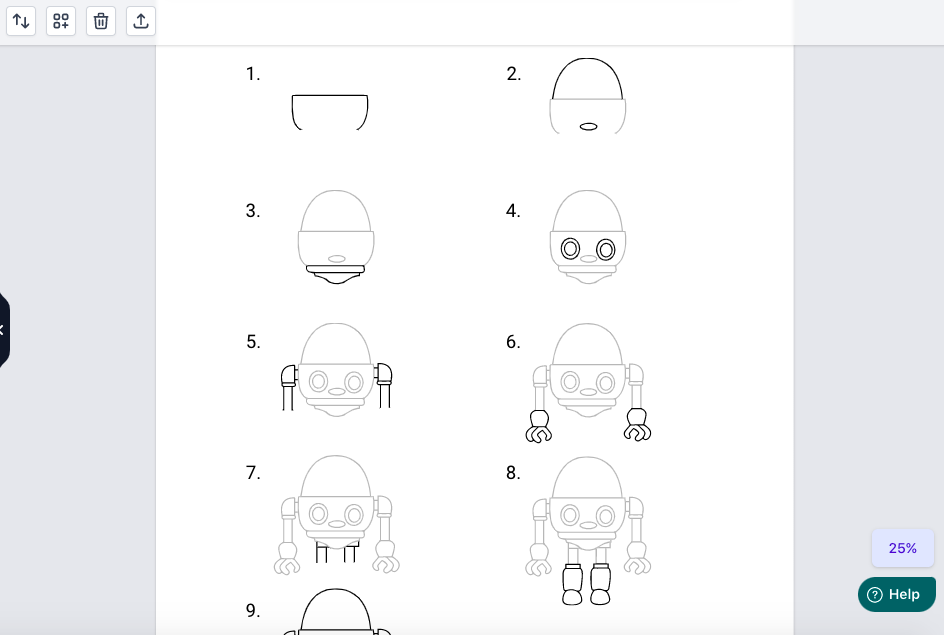
  • Step-by-step tutorials layered images split into numbered drawing steps, laid out on 20+ page designs
  • Complete how-to-draw books multi-page drawing books assembled from your own illustration collections in bulk
What sets it apart
  • Any PNG becomes a lesson drop in your own illustration and the grid page builds itself
  • Image Split engine converts a layered SVG into numbered steps split on its original layers
  • Point-and-click step editing click any stroke and assign it to the tutorial step where it should appear
  • Complexity and grid controls set drawing difficulty, grid rows, columns and grid styles to match the age group
  • Active-step highlighting the current step prints darker while completed steps stay light
  • Automatic strokes from fills generates outlines for color-filled images so any artwork becomes a line drawing
  • Bulk book creation select dozens of illustrations and generate a complete multi-page book in one go
How-to-draw worksheet with a cartoon car on a labeled letter and number grid
Worksheet output
App interface with a pineapple drawing placed on the grid canvas
Inside the editor
Nine-step robot drawing tutorial page generated inside the app
Inside the editor

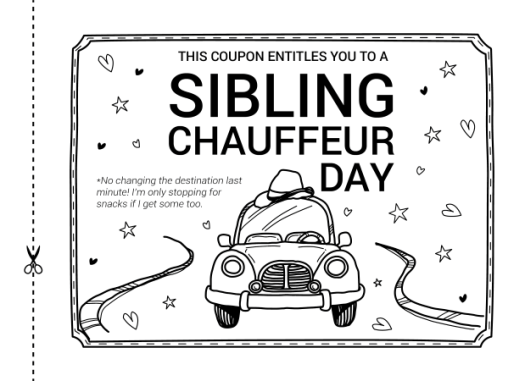
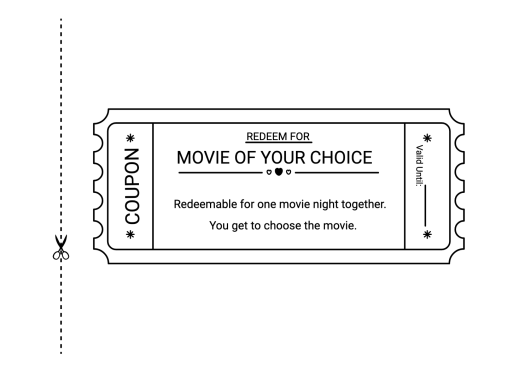
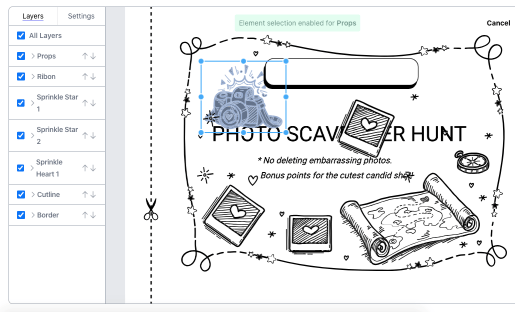
Builds printable coupon books — pages of redeemable reward and appreciation coupons for birthdays, holidays, thank-yous and family occasions. Pick from 50 ready-made coupon designs or 100 storified, hand-illustrated page layouts, edit every element directly on the canvas with no design skills needed, and download single coupon pages or a complete book, print-ready.
What it creates
  • Classic coupon pages one redeemable coupon per page, with cut-out guides in ticket-style designs
  • Storified illustrated pages 100 hand-drawn scene layouts with editable props, from campouts to road trips
  • Occasion-themed books coupon books for birthdays, holidays, appreciation, babysitting and more
  • Complete coupon books assemble, clone and shuffle pages into a full book, downloaded in one go
What sets it apart
  • One-click page generation click any of 150 templates to drop a finished coupon page onto the canvas
  • Element-level illustration editor select, move, resize, duplicate or delete any prop inside the hand-drawn layouts
  • Bulk clone with dynamic text generate many pages at once, each filled from an uploaded text list
  • Drag-and-drop text boxes add any number of text areas with full color control
  • 900+ fonts, custom uploads built-in font library plus support for fonts and images you upload
Printable movie-night coupon page in a classic ticket design with cut-out guide
Worksheet output
Coupon editor with layers panel and element selection on an illustrated page
Inside the editor
Hand-drawn storified coupon page with a sketched car illustration
Worksheet output

Word Search Studio

05 apps

Five specialized word-search generators — classic, shaped, coloring, picture-clue and bilingual.

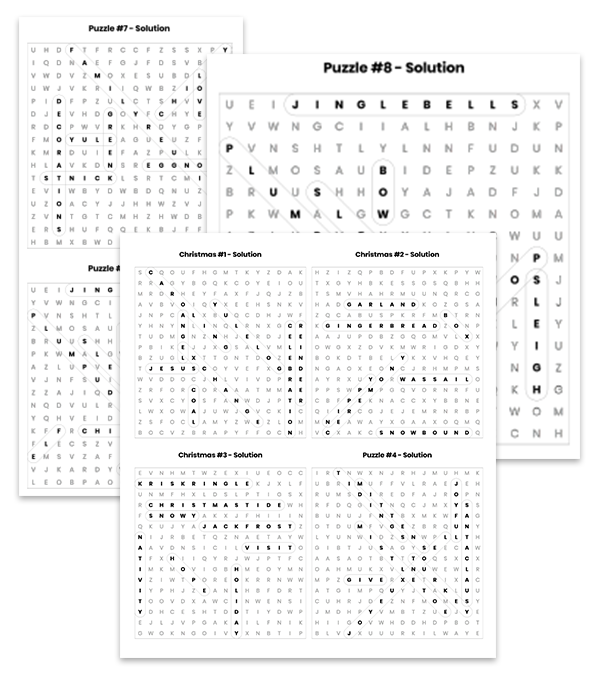
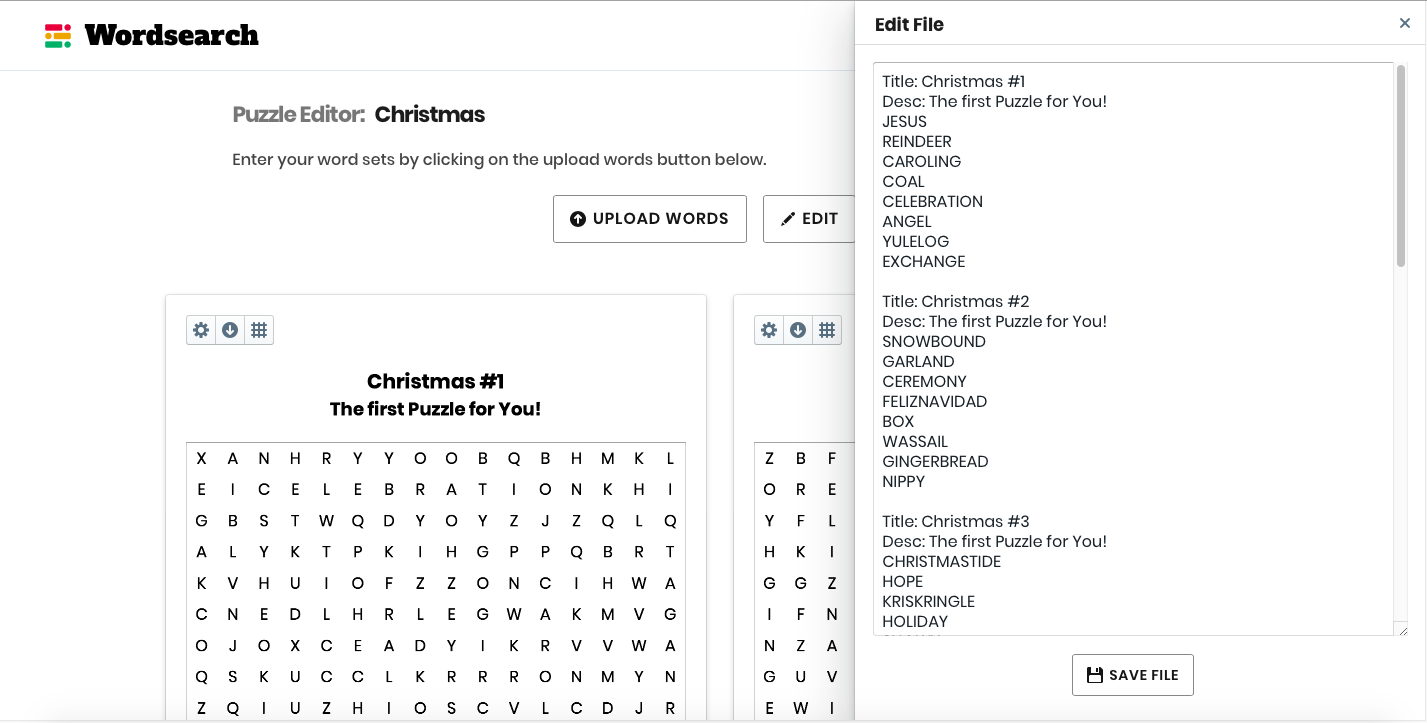
Turns any vocabulary or spelling list into polished word-search puzzles. Upload a plain .txt word list, pick a grid size — from 8×8 for young learners up to 20×20 — and download single puzzles or a complete book. Shuffle the letters to create fresh variants of the same list, and every puzzle comes with matching answer-key pages.
What sets it apart
  • Grid sizes for every age 8×8–10×10 grids for younger students, up to 20×20 for a challenge
  • One-click letter shuffle regenerate a brand-new puzzle from the same word list
  • Answer-key styles bounding-box, circled-letter or answers-only keys — one, two or four per page
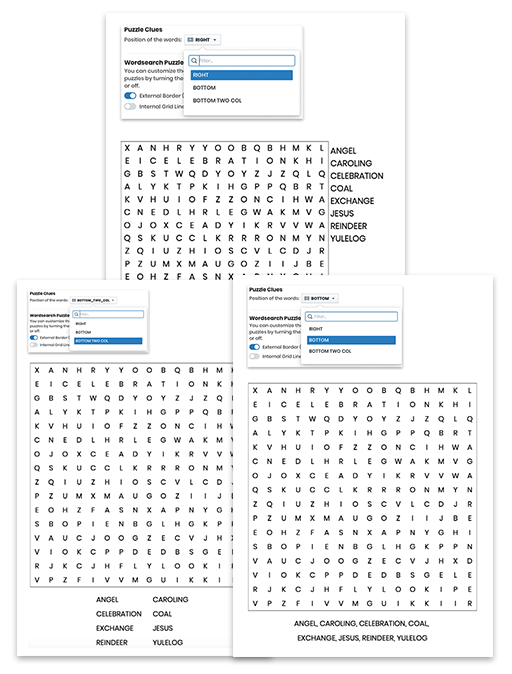
  • Clue & border options three clue placements and three border styles per puzzle
  • In-app word editing add or remove words right in the dashboard, no re-upload needed
  • 10,000+ ready-made words curated in 100+ themed categories for when you don't have a list handy
Answer-key pages with four highlighted puzzle solutions per page
Worksheet output
Word-search editor with generated puzzle grids and an editable word list
Inside the editor
Three finished word-search puzzles showing different clue placements
Worksheet output

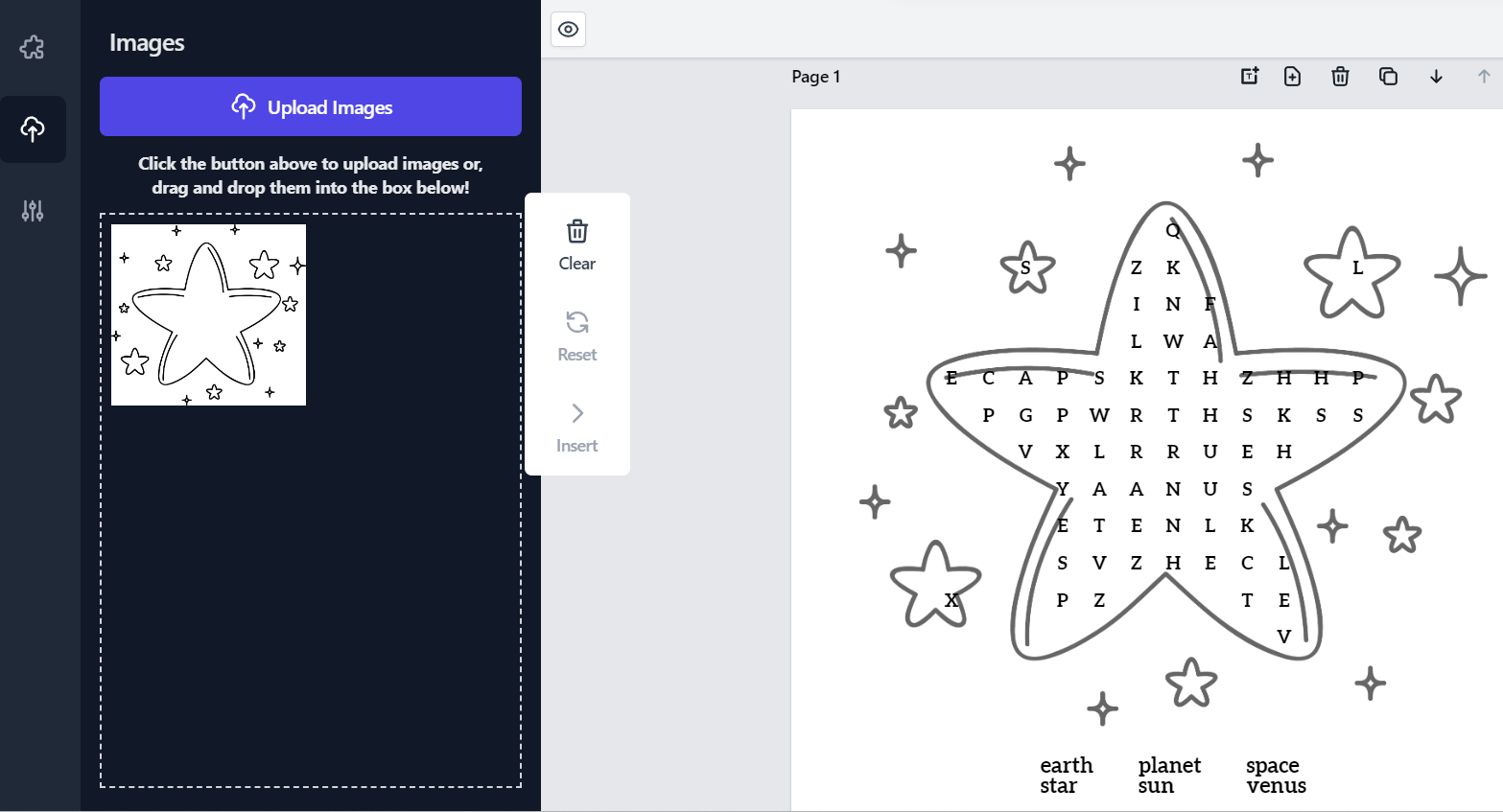
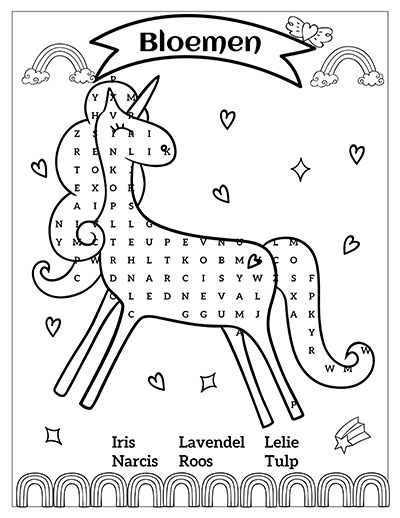
Turns any PNG picture into a word-search puzzle shaped like the image itself — the letter grid fills a rocket, giraffe, unicorn or whatever outline you choose. Set rows, columns and word directions to match the age group, keep the picture as a faint colored or grayscale background, and regenerate a fresh layout in one click with solution pages built automatically.
What sets it apart
  • Grids shaped by your pictures letters fill any uploaded PNG outline — rockets, unicorns, giraffes, camper vans, cacti
  • Complexity & direction controls choose rows, columns and which word directions appear, matched to each age group
  • Image transparency & grayscale fade the background picture to any opacity or convert color art to grayscale in-app
  • Puzzles in 40+ languages 43 built-in word packs, from Spanish and French to Hiragana and Katakana
Rocket-shaped word search puzzle with letters filling a colorful cartoon rocket
Worksheet output
Shape Word Search editor building a star-shaped puzzle from an uploaded star image
Inside the editor
Finished Dutch puzzle page with unicorn-shaped letter grid, title banner and word list
Worksheet output

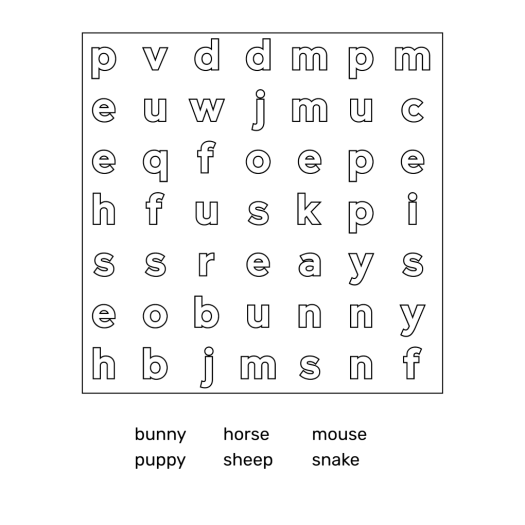
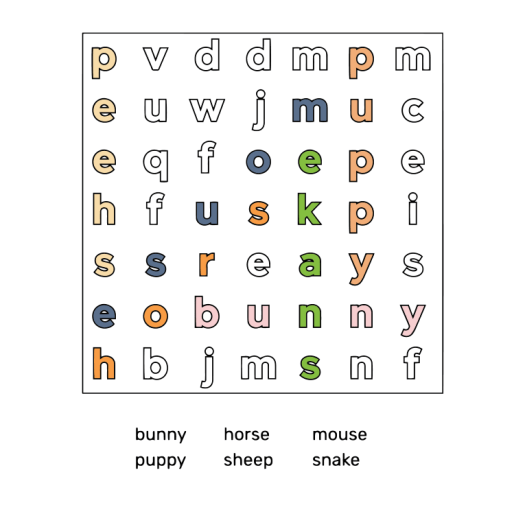
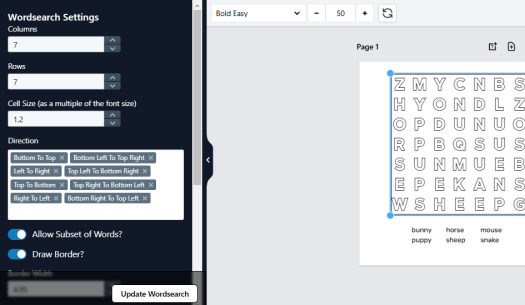
Creates solve-then-color word searches: instead of circling answers, students color inside the letters of each found word, using a thick outline font designed for coloring. Puzzles come in uppercase or lowercase, in English plus six more languages, with full control over grid rows, columns and search directions. Regenerate a fresh layout from the same list in one click, and solution pages generate automatically.
What sets it apart
  • Purpose-built coloring font commissioned from a type foundry, with wide open letterforms that leave room to color inside every letter
  • Six additional languages coloring fonts for Spanish, French, German, Dutch, Swedish and Norwegian, built into the puzzle engine
  • Uppercase & lowercase puzzles build the same puzzle in capitals or lowercase for variety in look and feel
  • Full grid control set rows, columns and cell size, and mix any of eight search directions
Coloring word search with found animal words colored inside the outline letters
Worksheet output
Editor with grid, direction and cell-size settings beside a coloring word search
Inside the editor
Unsolved lowercase puzzle in the thick outline coloring font with its word list
Worksheet output

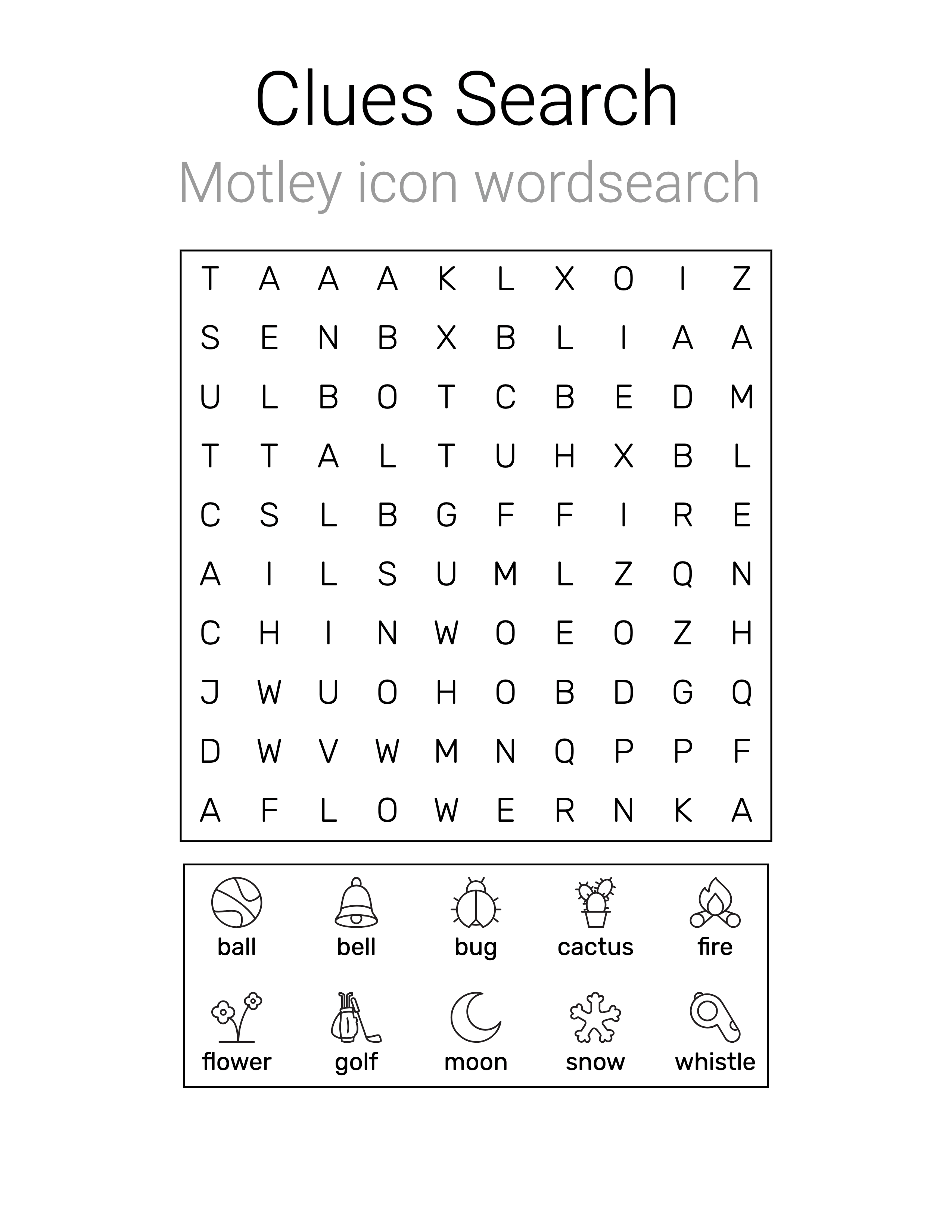
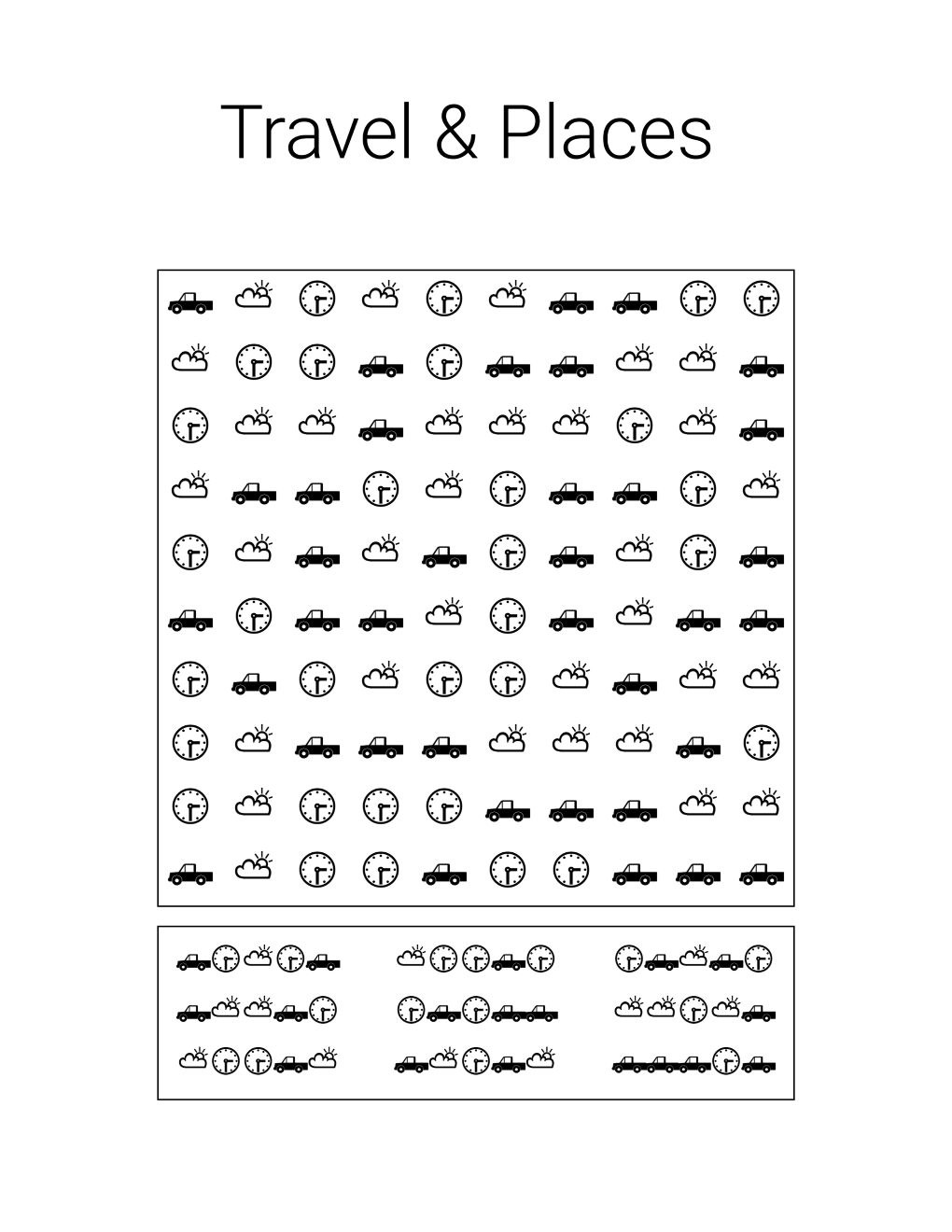
Makes search puzzles built from pictures instead of plain letters: solvers hunt strings of icons hidden inside an icon grid, or find words from picture clues and icon-for-letter key tables. Adjustable rows, columns and clue-string lengths pitch each puzzle anywhere from young beginners to serious solvers. Pick from 40+ built-in icon libraries or upload your own icons, then download puzzles or complete books with auto-generated solution pages.
What it creates
  • Icon search puzzles an all-icon grid hides strings of icons for solvers to track down
  • Picture-clue word searches letter grids where each hidden word is clued by a small picture
  • Cryptic icon puzzles every icon stands for a letter — decode the key table, then search
  • Scrambled-clue variants clue words come scrambled for a second layer of challenge
  • Shaped icon puzzles icon-for-letter puzzles arranged inside a shape or image you choose
What sets it apart
  • Any clue-string length set any number of icons per hidden string to dial difficulty up or down
  • 40+ icon libraries built-in themed sets of roughly 100 icons each, from emoji to geometric shapes
  • Upload your own icons bring your own images and every puzzle becomes completely original
  • 900+ fonts, full color control style titles, text and icons with any color to match your theme
Travel-themed icon search puzzle with car, clock and cloud icon clue strings
Worksheet output
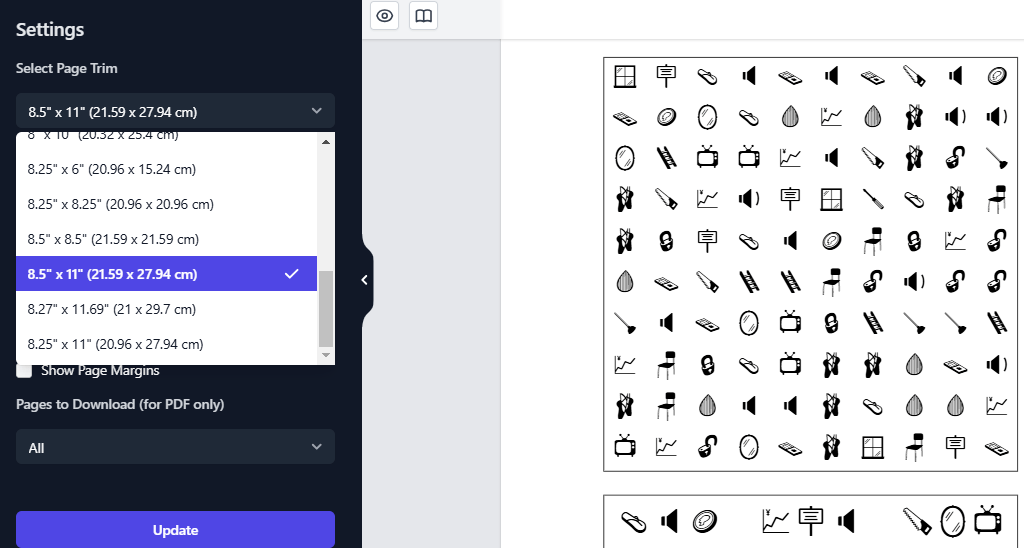
App settings panel with page-size options beside an icon puzzle canvas
Inside the editor
Word search with picture clues naming ball, bell, bug and other hidden words
Worksheet output

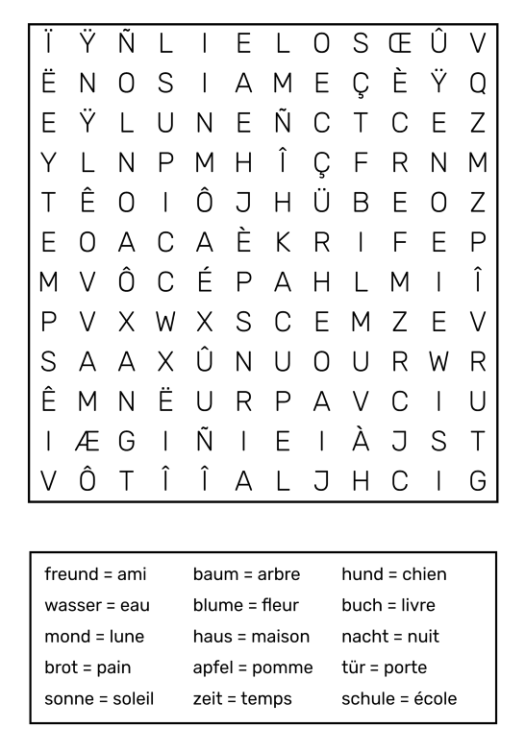
Makes two-language word search puzzles for language classrooms and bilingual families: each puzzle is built from word pairs, with clues in one language and answers hidden in the grid in the other. Start with English-Spanish or choose from 17 languages and 100+ pairings, including accented and Cyrillic alphabets. Type or paste your word pairs, regenerate any grid in one click, and download single puzzles or complete books.
What sets it apart
  • Two-language word pairs read the clue in one language and find its translation hidden in the grid
  • 17 languages, 100+ pairings from English-Spanish to German-French or Norwegian-English, with accented and Cyrillic alphabets handled
  • No fluency needed paste or upload a translated word-pair list and the app builds accurate puzzles from it
  • 10 puzzle page layouts paired clues, single-language clues or side-by-side word columns, inserted in one click
  • Grid & direction controls set rows, cell size, letter colors and the directions words are allowed to run
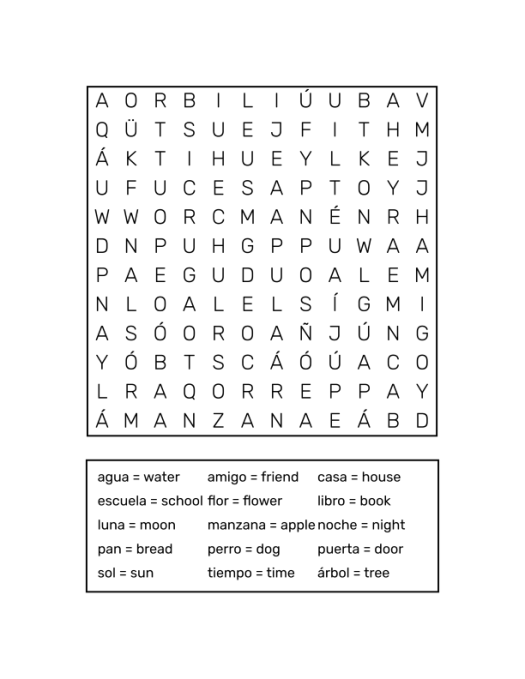
Bilingual word search page with Spanish words hidden in the grid and paired Spanish-English clue list
Worksheet output
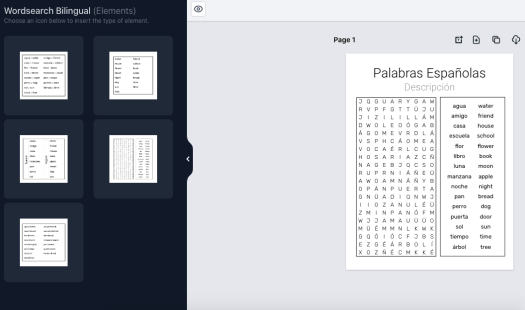
Bilingual word search editor with five page-layout thumbnails beside a Spanish puzzle canvas
Inside the editor
German-French word search with accented letters in the grid and translation-pair clues
Worksheet output

Logic & Mazes

04 apps

Puzzles that train focus, patience and logical thinking.

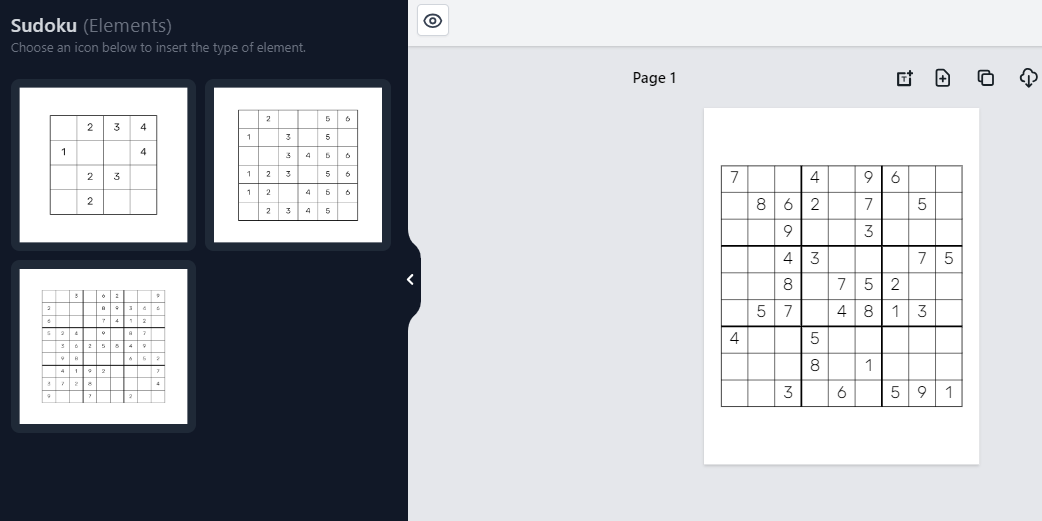
Generates classic number sudoku — the traditional puzzle every solver knows — as single pages or complete puzzle books. Start young learners on 4×4 grids, step up to 6×6, and challenge confident solvers with standard 9×9 puzzles. Set the difficulty, place one or several puzzles per page, and every book gets matching auto-generated solution pages.
What it creates
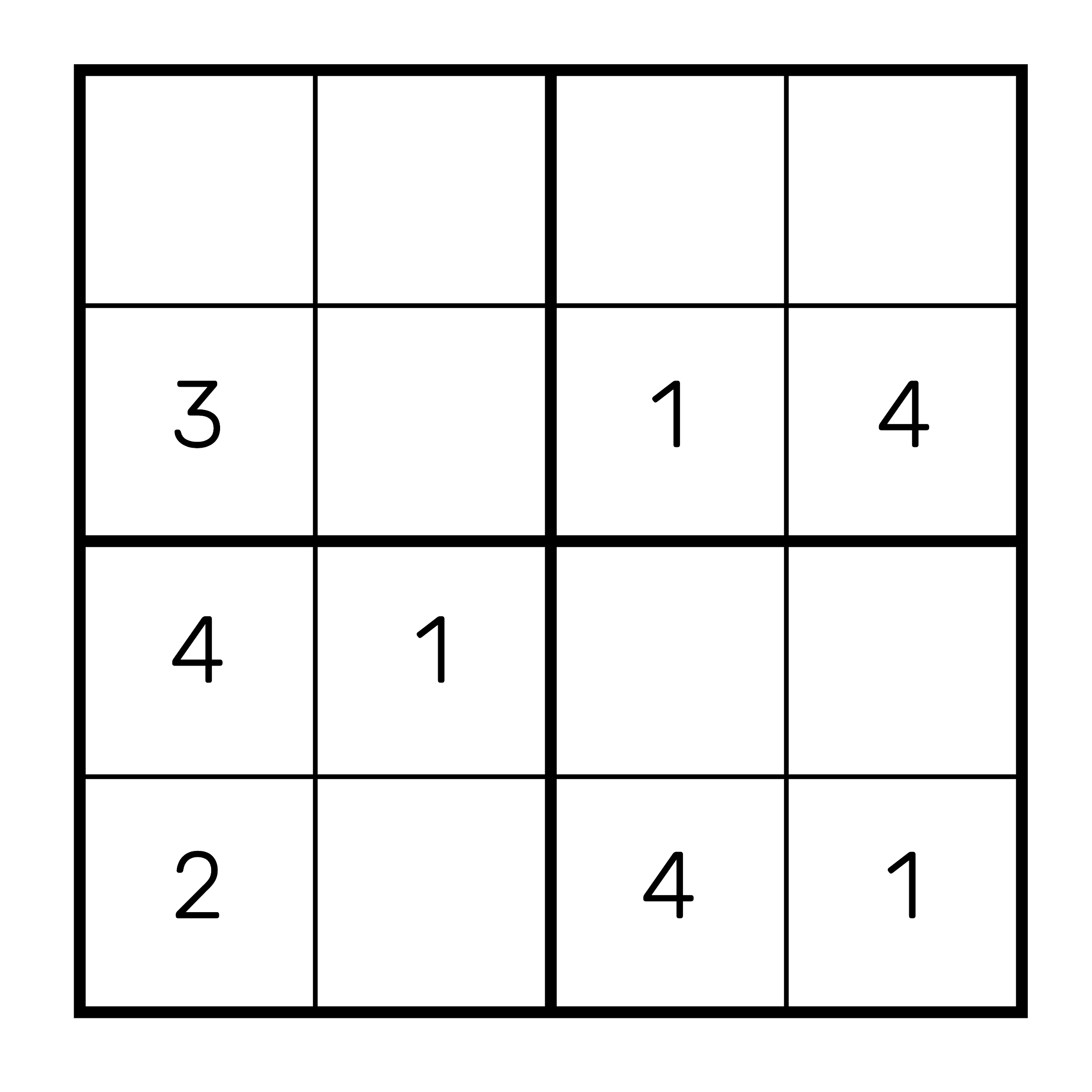
  • 4×4 sudokus four-block starter grids for young children learning the rules
  • 6×6 sudokus mid-size grids with numbers 1–6, a bridge to full-size puzzles
  • 9×9 sudokus the standard grid with numbers 1–9 that dedicated solvers expect
  • Picture sudoku icon-based grids in all three sizes for pre-readers
What sets it apart
  • Difficulty selector slide from easy to hard — easier puzzles show more filled cells, harder ones fewer
  • Compact answer-key layouts place 1, 2, 4, 6, 8, 9 or 12 solutions on a single page
  • Multiple puzzles per page arrange one or several grids on a page for custom book layouts
  • 900+ fonts and full styling recolor text and elements, and add your own graphics to puzzle pages
Four-by-four beginner sudoku grid with large friendly numbers
Worksheet output
Sudoku app interface with 4×4, 6×6 and 9×9 module picker beside a live puzzle page
Inside the editor
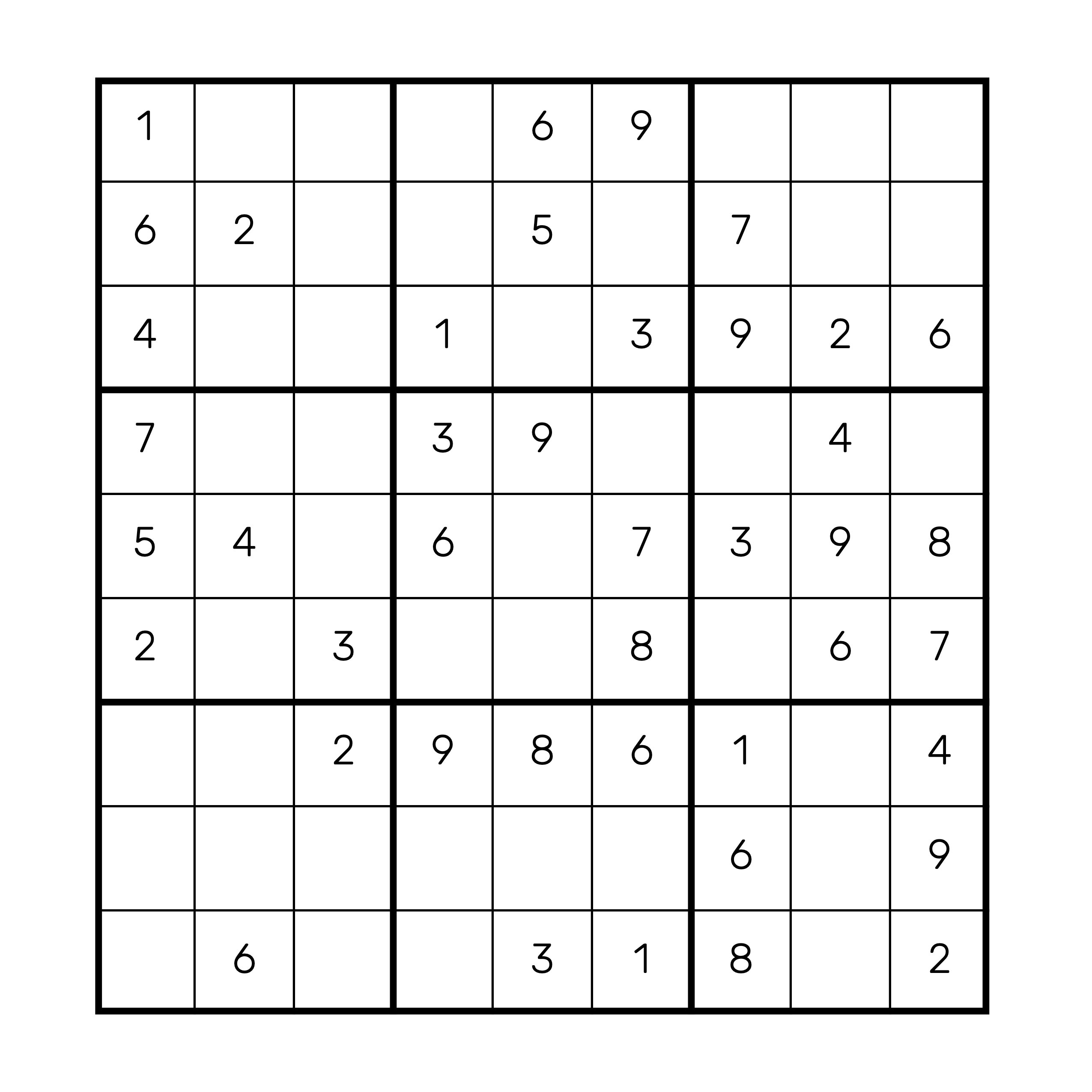
Standard nine-by-nine sudoku puzzle with bold three-by-three boxes
Worksheet output

Builds print-ready puzzle pages and complete books in eight exotic sudoku formats for solvers who have outgrown the classic 9×9 grid — from five-grid Samurai and star-shaped Star layouts to cage-based Killer. A difficulty slider controls how dense the given numbers are, solutions generate automatically alongside every puzzle, and cloning a finished page produces a brand-new puzzle in the same layout.
What it creates
  • Samurai sudoku five overlapping 9×9 grids combined into one large logic challenge
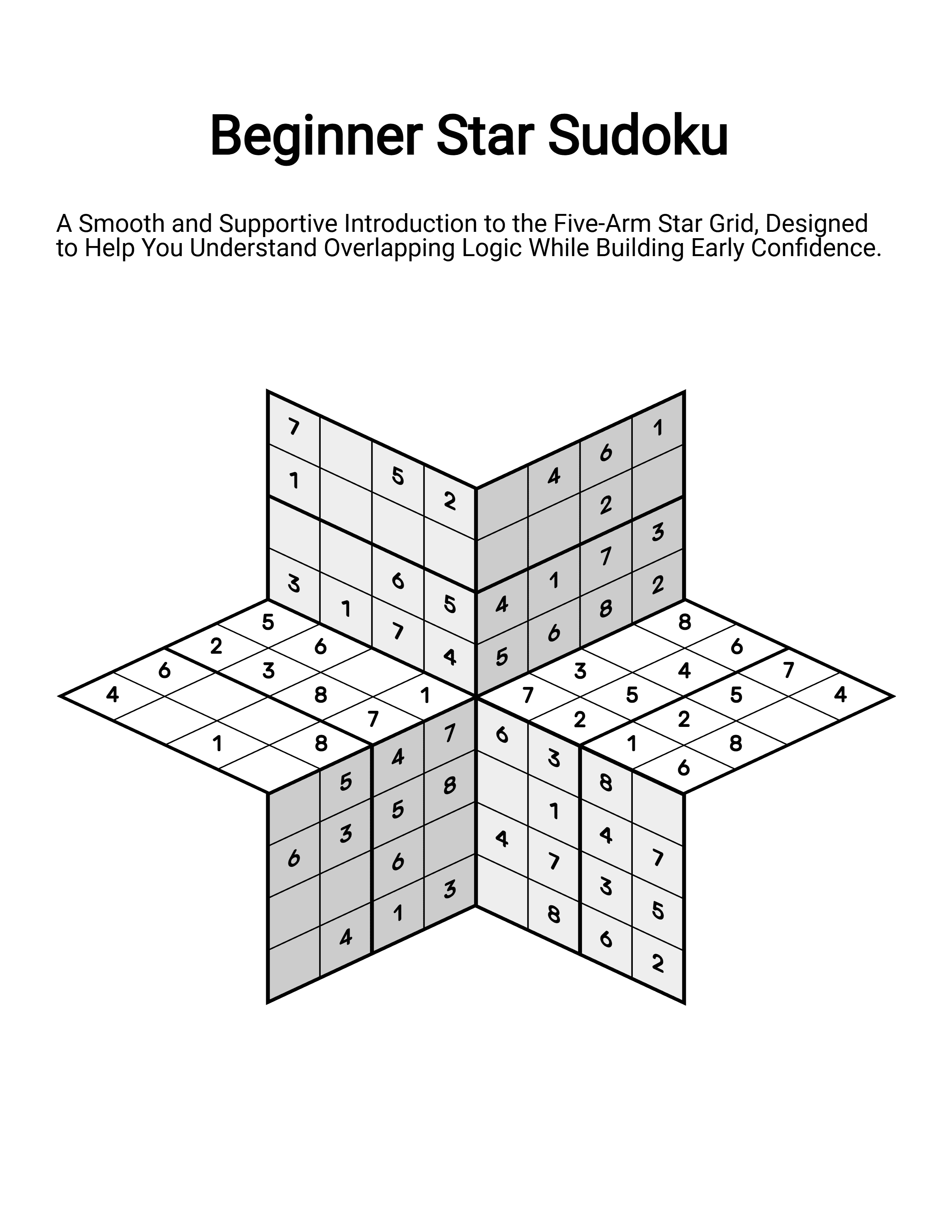
  • Star sudoku intersecting grids arranged in a striking star-shaped layout
  • Windoku a 9×9 grid with four extra shaded window regions to satisfy
  • Twodoku two full 9×9 grids sharing an overlapping region that links both puzzles
  • Arrow sudoku arrow paths that must sum to the value in their starting circle
  • Flower sudoku five interlocked grids sharing a central core, arranged like petals
  • Butterfly sudoku four 9×9 grids joined at the corners in a wing-like layout
  • Killer sudoku outlined cages with target sums replace given numbers entirely
What sets it apart
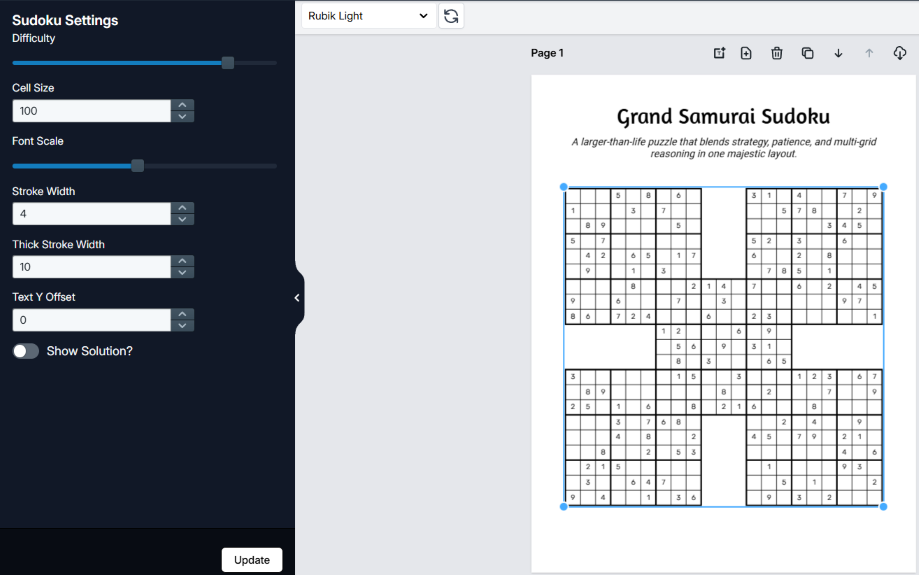
  • Difficulty slider set how dense or minimal the pre-filled numbers are, per puzzle
  • Clone with fresh puzzles duplicate a finished layout and it fills with a brand-new, unique puzzle
  • Rapid book creation pick pages per format and generate a whole baseline manuscript in one click
  • Full page editor drag-and-drop layout, 900+ fonts, your own images and full color control
Beginner Star Sudoku puzzle page with intersecting grids forming a star-shaped layout
Worksheet output
Sudoku editor with difficulty slider beside a Grand Samurai Sudoku page on the canvas
Inside the editor
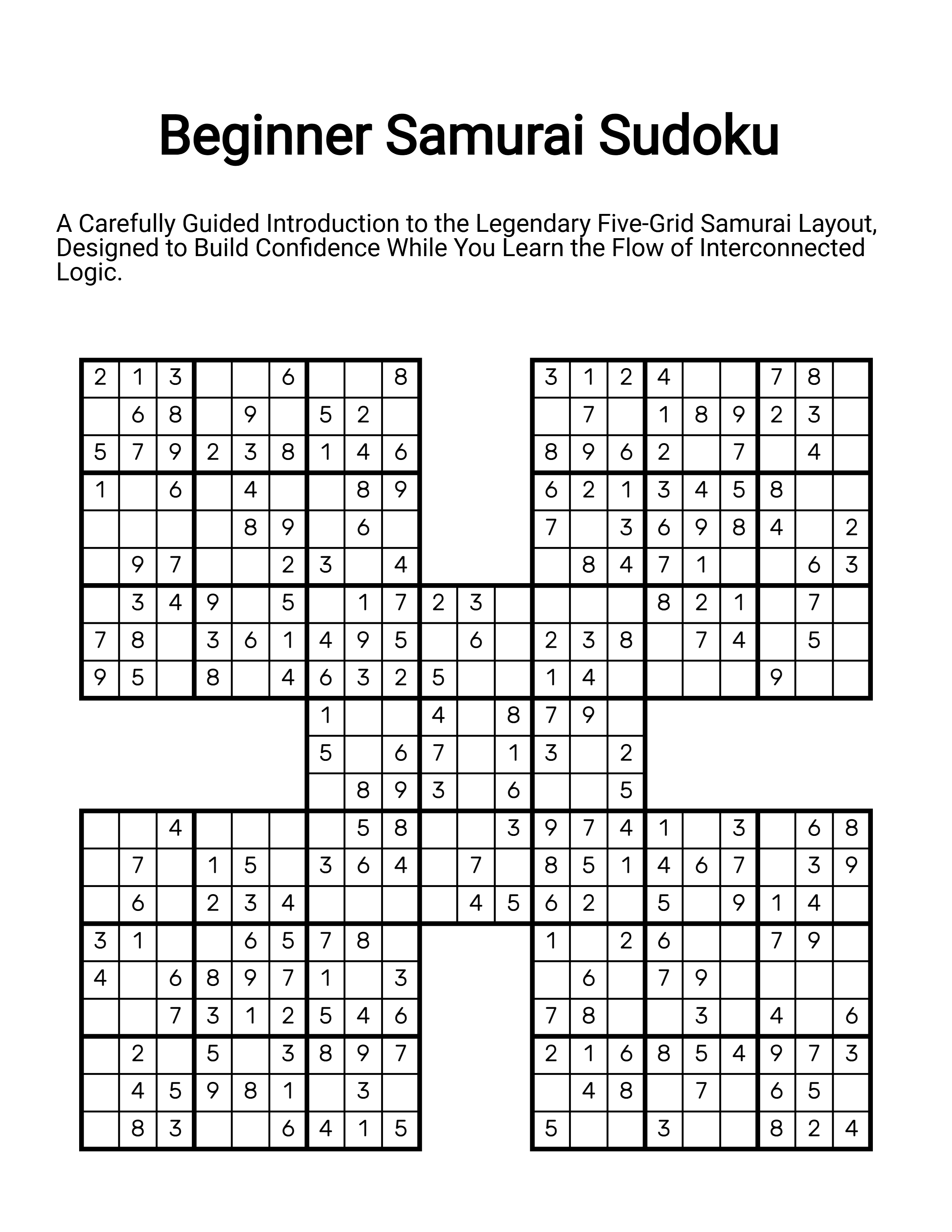
Samurai Sudoku puzzle page with five overlapping 9×9 grids in a cross arrangement
Worksheet output

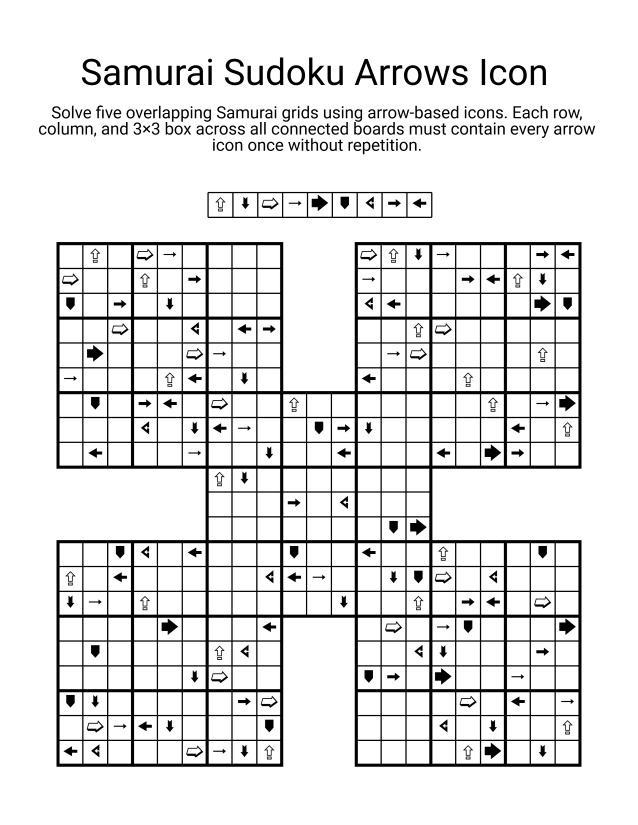
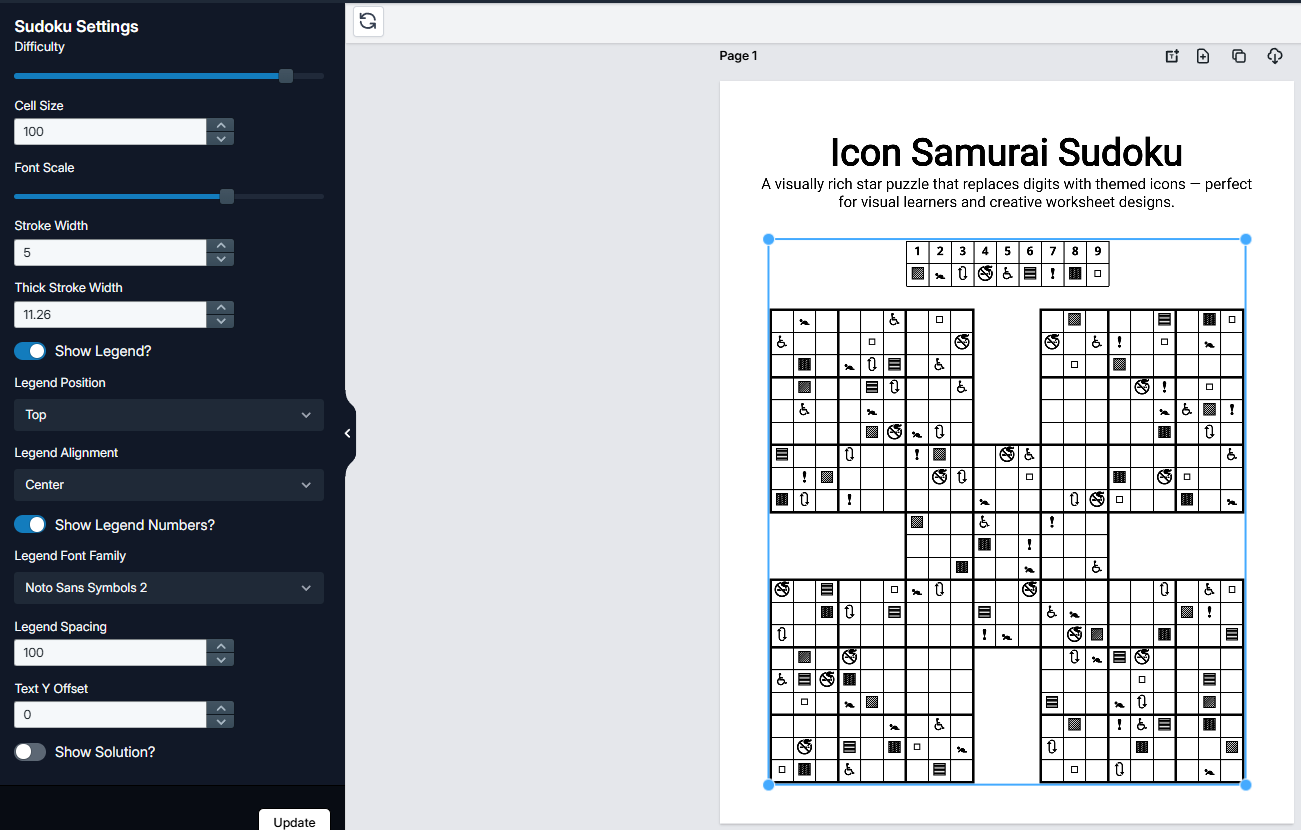
Creates icon-based sudoku puzzles where symbols stand in for the digits 1–9, so solvers decode each icon before applying sudoku logic — a cryptogram-meets-Sudoku challenge for your strongest logic students. Eight logic-verified variants span Samurai, Star, Windoku, Twodoku, Arrow, Flower, Butterfly and Killer layouts. Pick an icon set, set the difficulty, and download print-ready pages with matched solution keys.
What it creates
  • Samurai sudoku, Icon Edition five overlapping 9×9 grids solved entirely in symbols from your chosen library
  • Star sudoku, Icon Edition interconnected grids in a six-pointed star layout, decoded icon by icon
  • Icon Windoku a 9×9 grid plus four highlighted window regions adding a second logic layer
  • Icon Twodoku two full sudokus sharing an overlap, where each icon affects both grids
  • Icon Arrow sudoku circled icons must equal the combined logic along their arrow
  • Icon Flower sudoku five grids overlapping in a floral layout around one shared core
  • Icon Butterfly sudoku four grids joined at the corners into one wing-shaped challenge
  • Icon Killer sudoku outlined cages with target sums, solved through icons rather than digits
What sets it apart
  • 30+ icon libraries arrows, geometric shapes, Braille, dingbats, emoji and more — every set has spare symbols to choose from
  • Icon-to-number key optionally print a legend mapping each symbol to its digit, so solvers write numbers instead of drawing icons
  • Difficulty dial control how many cells start filled, and generate the same puzzle at several difficulty levels
  • Matched solution pages logic-verified keys in icons, numbers or both — one, two, four, six or eight per page
  • Upload your own icons custom image sets plug into every puzzle engine for seasonal or themed books
  • 900+ fonts, full styling grid styling, colors, titles and difficulty labels, all in the drag-and-drop page editor
  • Color editions every format also comes in a colors-instead-of-symbols edition
Samurai Sudoku puzzle page with five overlapping grids solved using arrow icons
Worksheet output
Sudoku settings panel with difficulty slider beside an icon Samurai puzzle canvas
Inside the editor
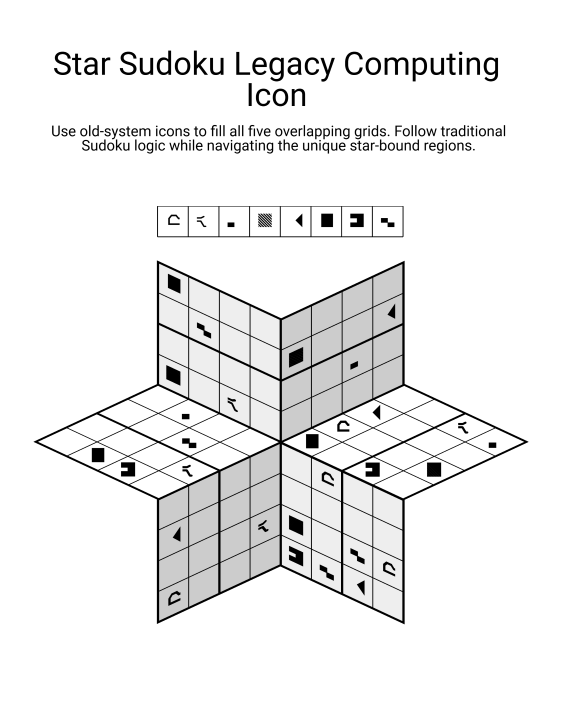
Star Sudoku page with a six-pointed grid filled with legacy-computing symbols
Worksheet output

Builds artist-quality, hand-drawn-style maze pages and complete maze books for young solvers. Pick from 200 hand-drawn designs — each maze comes with one unique solution, convincing dead-ends and a matching answer key — then add your own images to turn a bare maze into an illustrated scene. Adjust the solution path with the smart editor and download print-ready pages or whole books.
What it creates
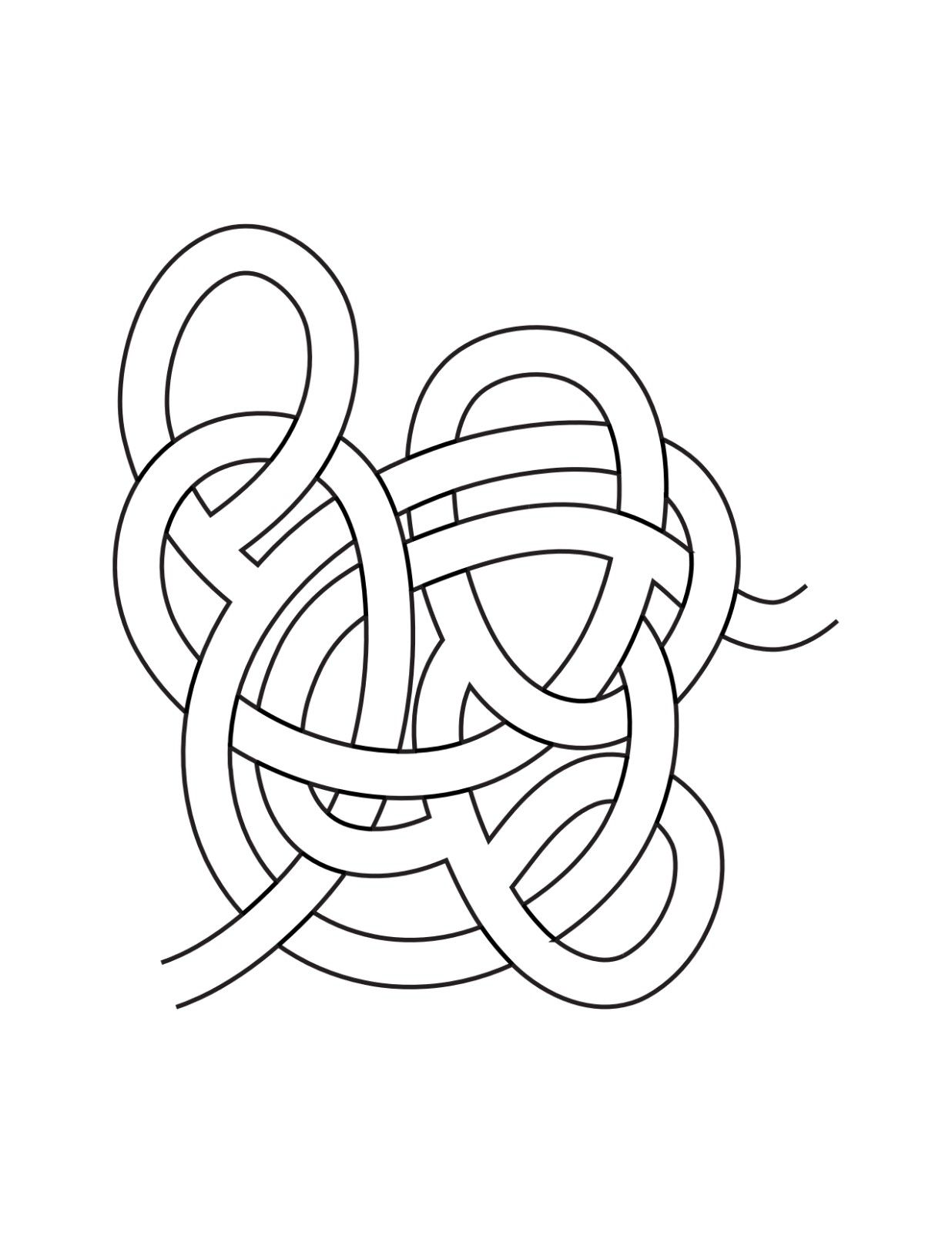
  • Hand-drawn maze pages clean single-maze pages drawn in a tangled, artist-sketched style
  • Storified maze scenes mazes surrounded by your own icons and illustrations that tell a story
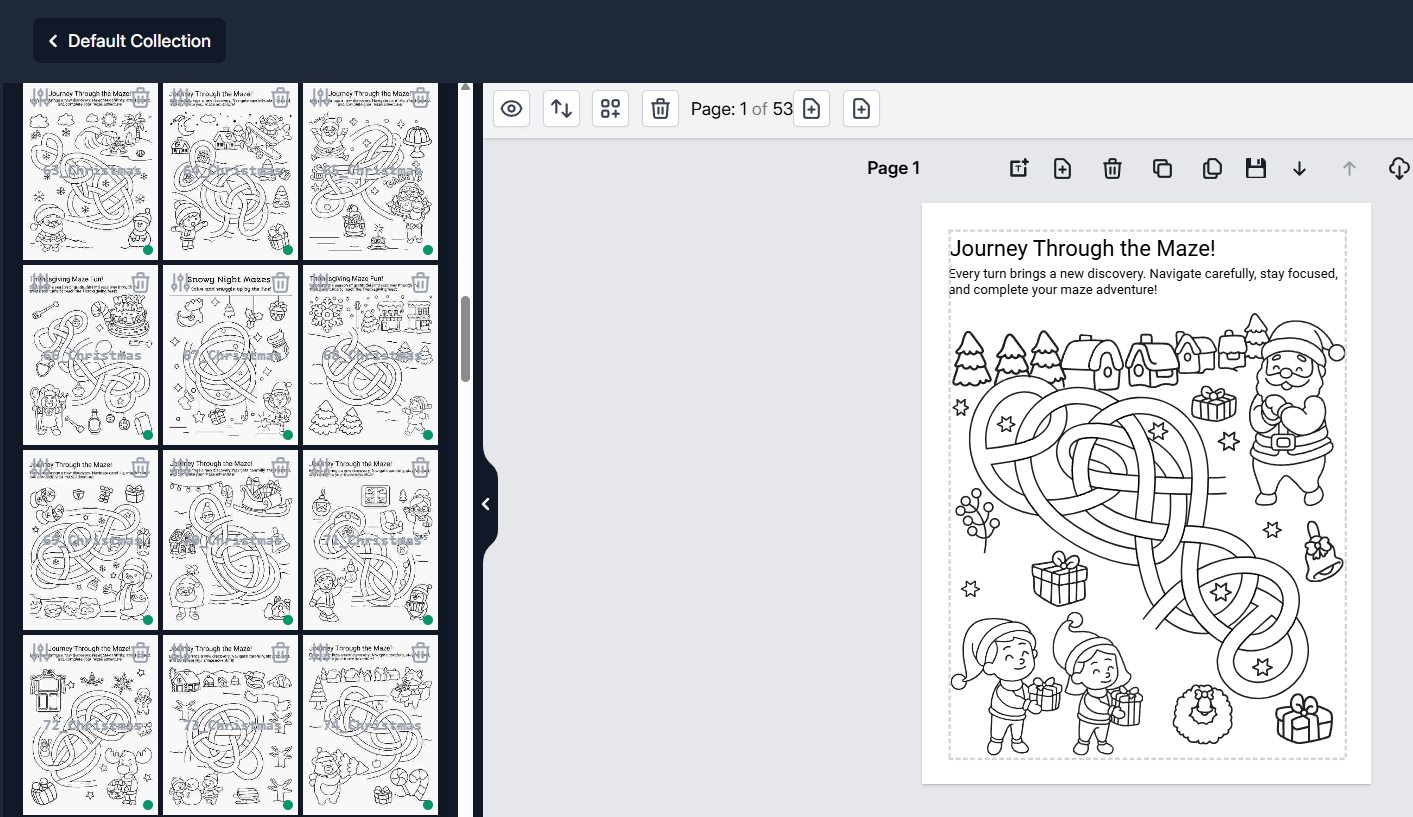
  • Holiday-themed layout pages ready-made Christmas, Thanksgiving and Halloween compositions with mazes built in
  • Complete maze books multi-page, print-ready books with automatic page numbering
What sets it apart
  • 200 hand-drawn maze designs artist-drawn tangles, each generated with one unique solution and playful dead-ends
  • Custom solution paths a smart maze editor lets you select, deselect and reroute the solution of any maze
  • 1-click solution pages correctly mapped answer keys for every maze, with show or hide on each page
  • Storify with your images add your own images, or one-click insert each maze's matched icon set
  • 900+ fonts, full color control style titles and instructions, and recolor mazes, solutions, borders and backgrounds
Hand-drawn maze page with looping tangled paths and a single hidden route
Worksheet output
Maze app interface showing a themed layout library beside a Christmas maze page
Inside the editor

§ 05 · Export & compatibility

Export

PDF · PNG · JPG · PPTX

Page size

US Letter, print-ready

Runs in

Any modern browser

Setup

Nothing to install

§ 06 · Get in touch

Bring the whole suite to your learning center.

The whole suite is live and ready to use today. We'd be glad to walk your team through it and set up access for your center — tell us what your classrooms need.

hello@kay5.com